2-26
Installing the Printer
2
Connecting the Cables
Connecting the Cables
Connecting the Power Cord
This section describes the procedure for connecting the power cord. When
connecting the power cord, see "Important Safety Instructions," on p. xv.
IMPORTANT
•
One AC power outlet should be used exclusively for the printer.
•
Do not plug the power plug into the auxiliary outlet on a computer.
•
Do not connect this printer to an uninterruptible power source. This may cause printer
malfunction or breakdown at the occurrence of a power failure.
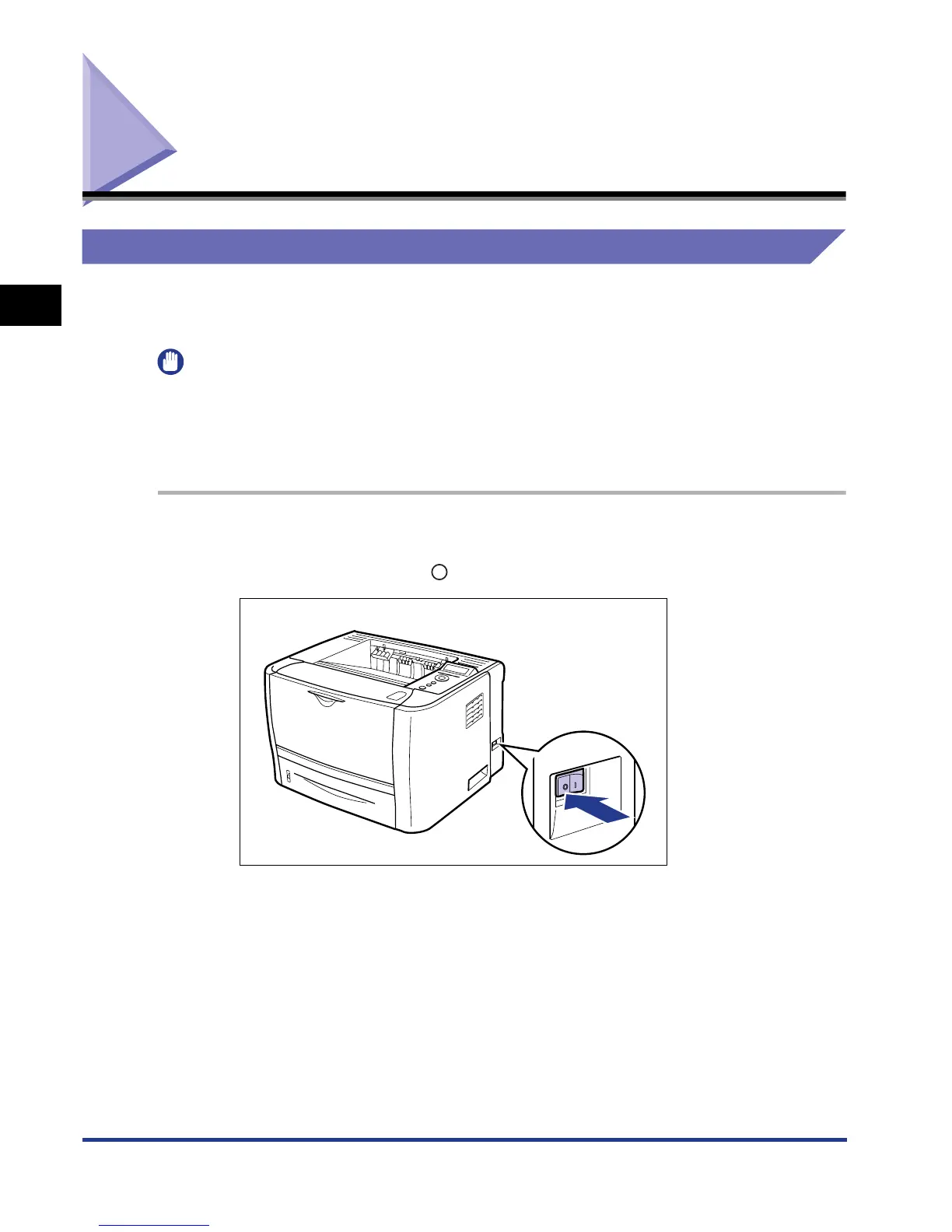
1
Make sure that the power switch of the printer is OFF.
The printer is OFF when " " of the power switch is pressed.













 To Next Page