5-12
The Printing Environment
5
Menu Functions and Menu Operation
NOTE
•
If you did not select the Exclusive Utility (PCL UTILITY), Step 4 to 5 are omitted.
•
If you press [ ] during the setting, the display goes back up the hierarchy.
•
If you press the (Online) key during the setting, the setting is canceled.
JOB Menu
This section describes the function of the JOB menu and the operating procedure
for it.
JOB Menu Functions
The JOB menu allows you to print a variety of log lists.
NOTE
For more details on the settings, see "JOB Menu Settings," on p. 6-50.
Operating Procedure for the JOB Menu
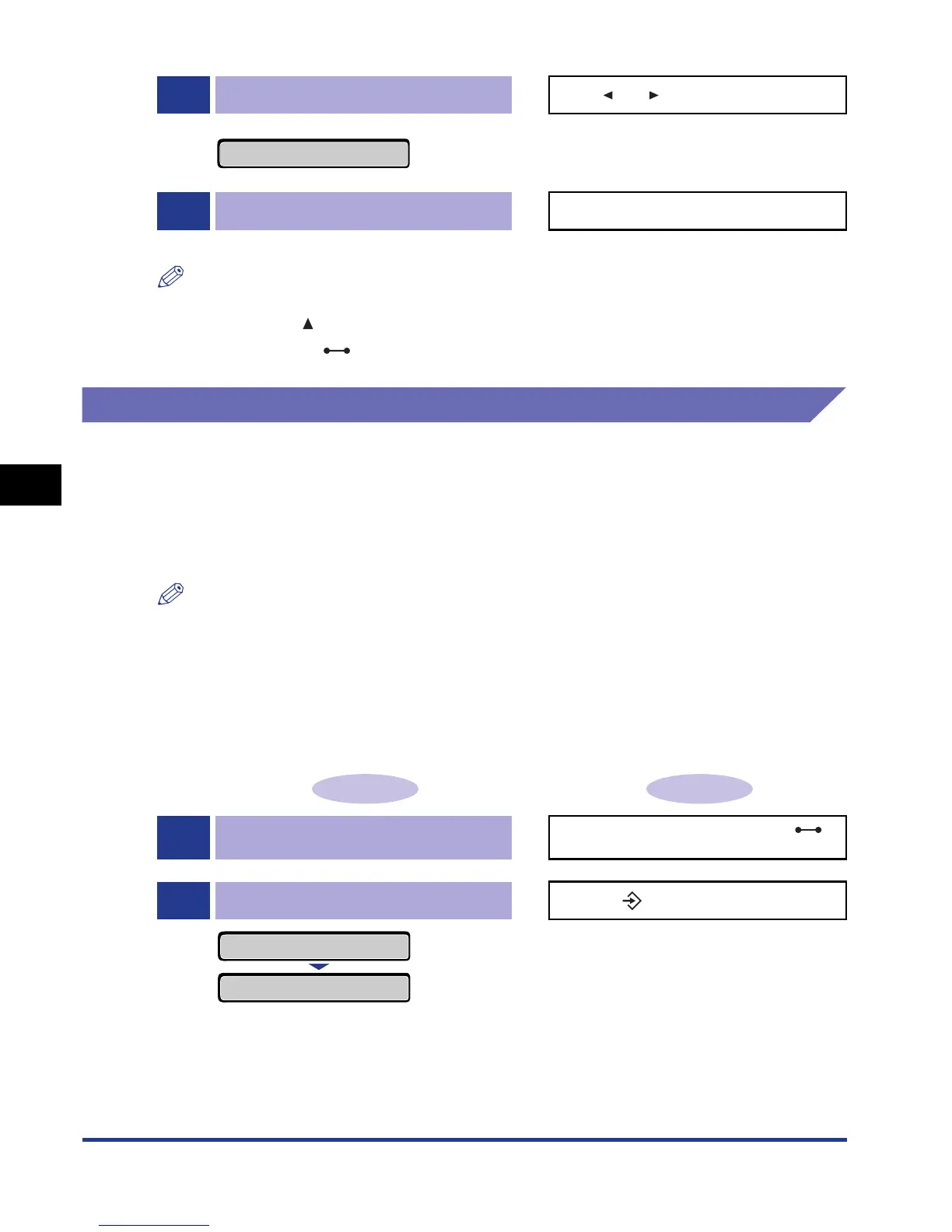
This section describes the procedure for printing JOB LOG LIST. Start the key
operation from Step 1.
5
Select the Exclusive Utility.
Press [ ] or [ ].
When FONTS LIST is selected The target Exclusive Utility is displayed.
6
Confirm the selected option. Press [OK].
A fonts list is printed.
Operation Procedure Key Operation
1
Make sure that the printer is online.
If the printer is not online, press the
(Online) key.
2
Display the JOB menu.
Press the (Job) key.
The JOB menu is displayed.
FONTS LIST
→
JOB
JOB LOG LIST
→













 To Next Page