4-20
Paper Loading and Output Tray
Loading Paper in the Paper Cassette
4
Loading Standard Size Paper
1
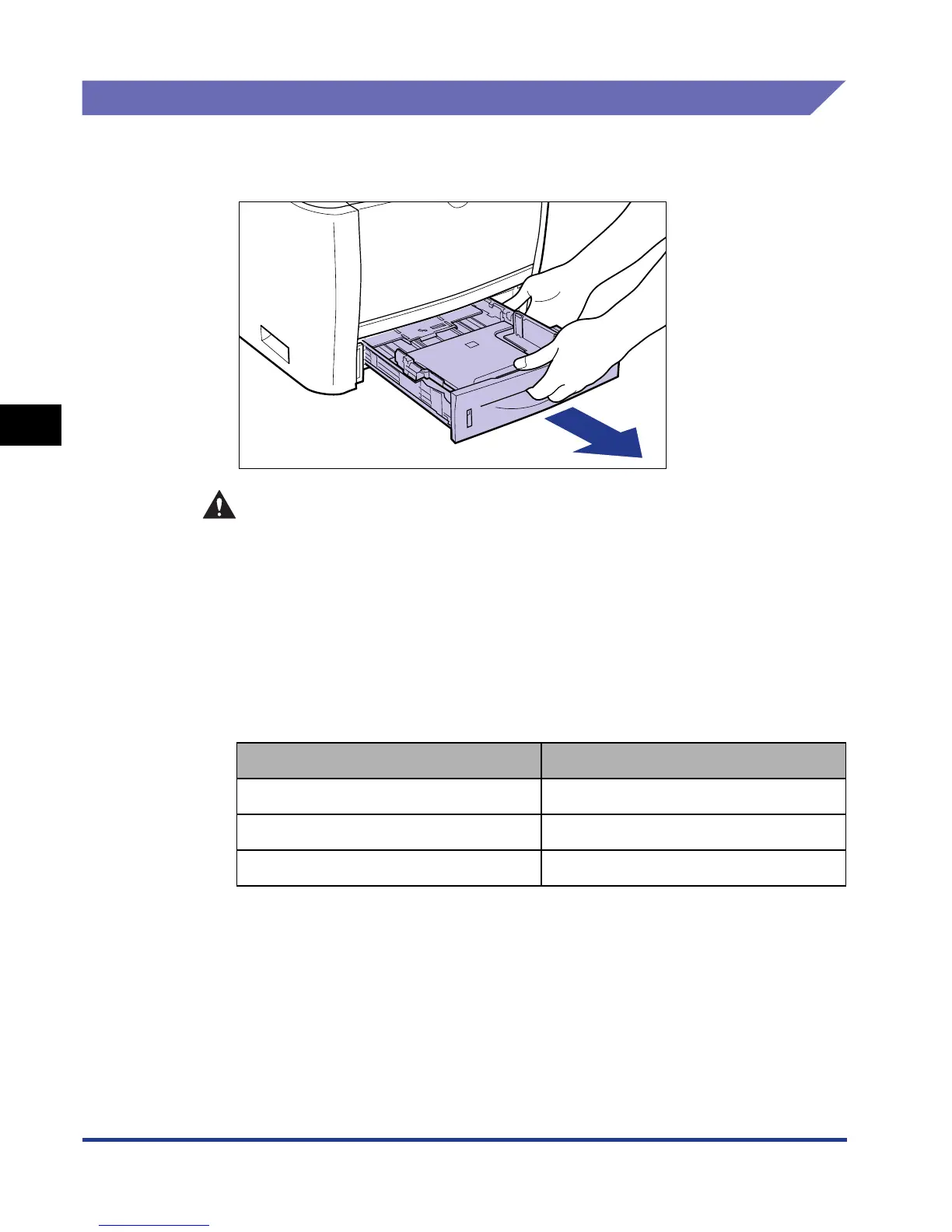
Pull out the paper cassette.
CAUTION
Be sure to take the paper cassette out of the printer before loading paper.
If paper is loaded while the paper cassette is partially pulled out, the paper
cassette may drop or the printer may become damaged resulting in
personal injury.
2
When changing the size of the paper to be loaded, change the
positions of the paper guides.
The paper sizes indicated on the paper guides are abbreviated as follows.
Paper Size Paper Guides
Legal LGL
Letter LTR
Executive EXEC













 To Next Page