4-26
Paper Loading and Output Tray
Loading Paper in the Paper Cassette
4
1
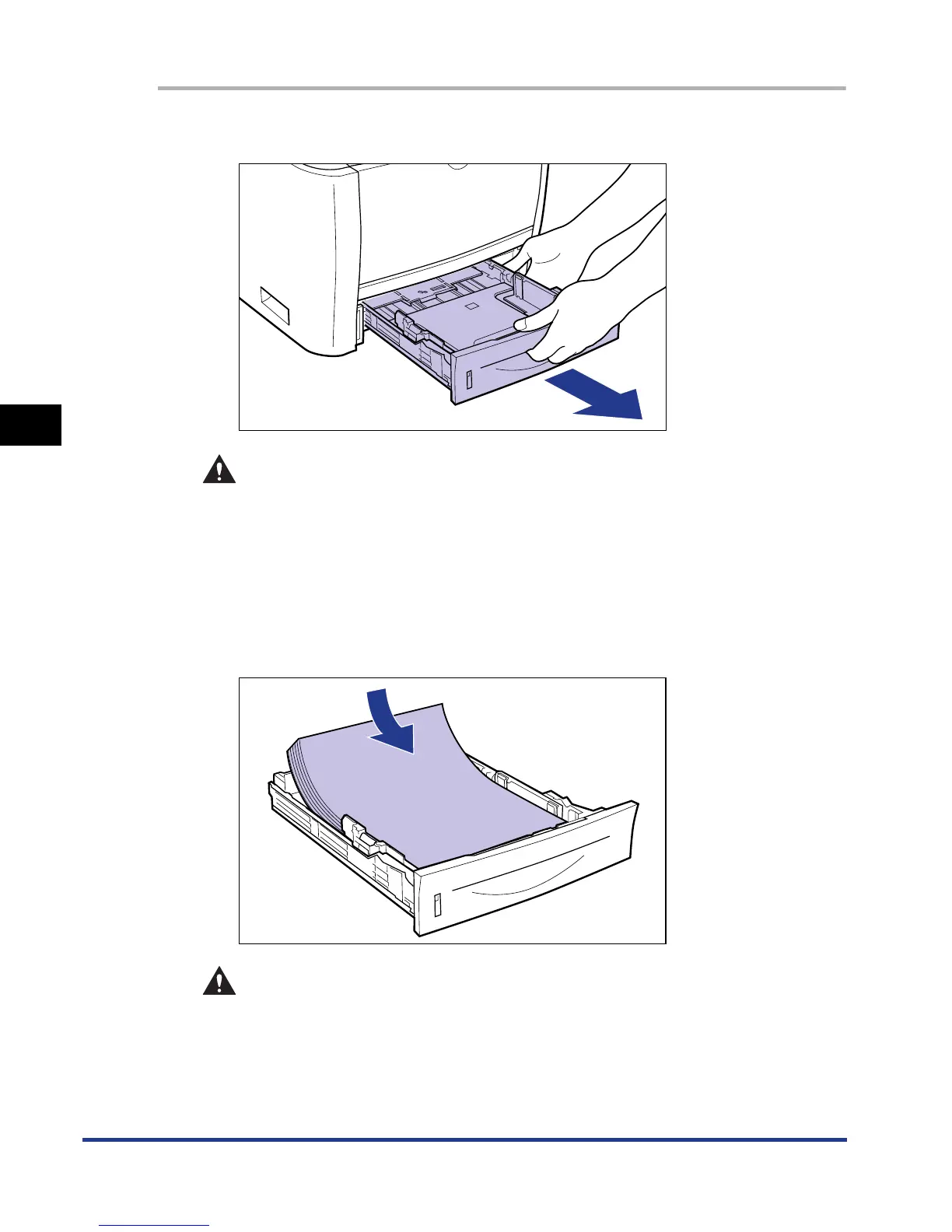
Pull out the paper cassette.
CAUTION
Be sure to take the paper cassette out of the printer before loading paper.
If paper is loaded while the paper cassette is partially pulled out, the paper
cassette may drop or the printer may become damaged resulting in
personal injury.
2
Load the paper so that the edge of the paper is aligned with
the front side of the paper cassette.
CAUTION
When loading paper, take care not to cut your hands with the edges of the
paper.













 To Next Page