4-46
Paper Loading and Output Tray
Loading Paper in the Multi-purpose Tray
4
4
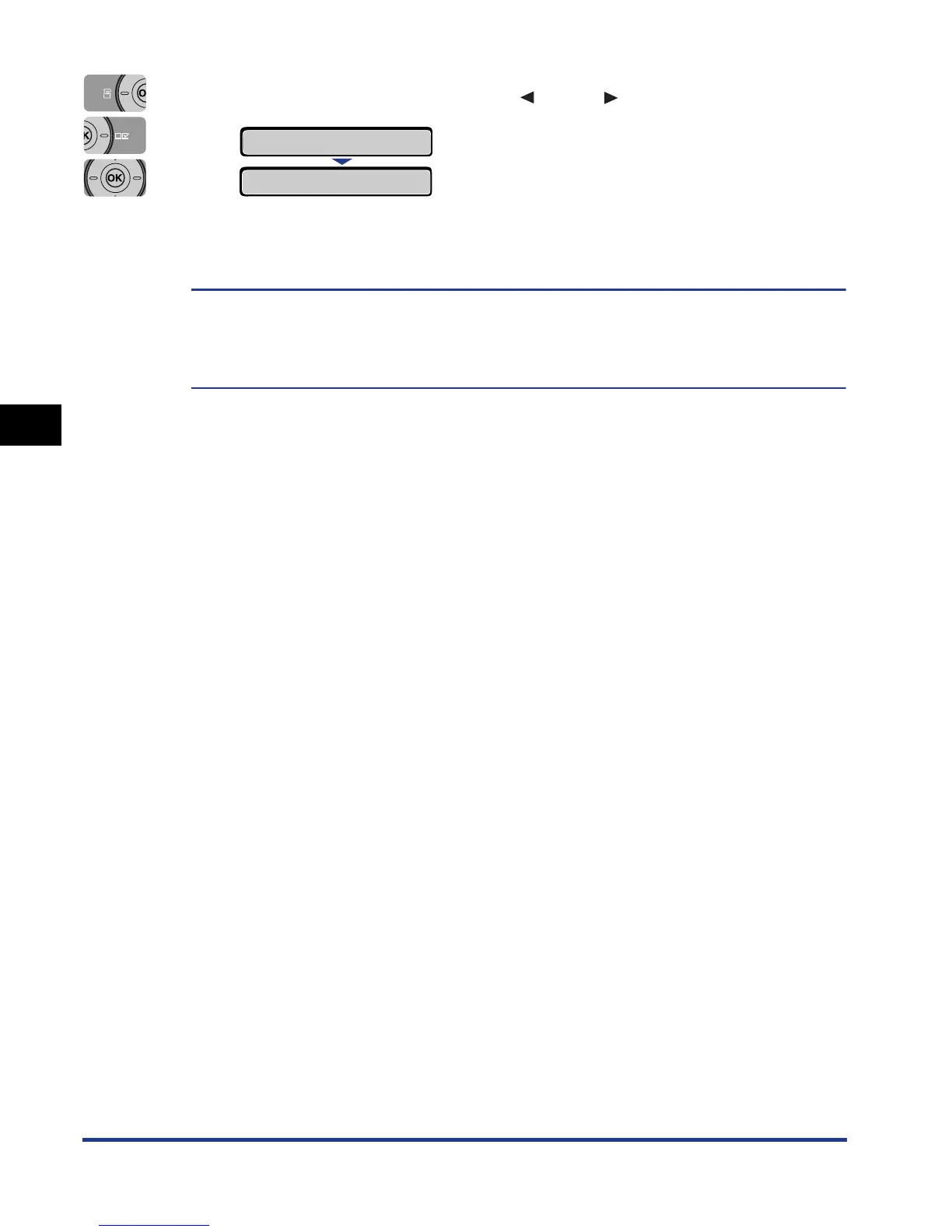
Select the paper size using [ ] and [ ], then press [OK].
"=" is displayed on the left of the paper size, and the paper size for the
multi-purpose tray is specified.
When printing from the printer driver on Windows or Macintosh, configure the printer
driver. (See Driver Guide)
When printing from DOS or UNIX, specify the settings for STD PAPER SIZE (See p.
6-16) and STD PAPER TYPE (See p. 6-19) using the control panel.
=B5
→
B5
→













 To Next Page