7-21
Routine Maintenance
7
Cleaning the Fixing Roller
7
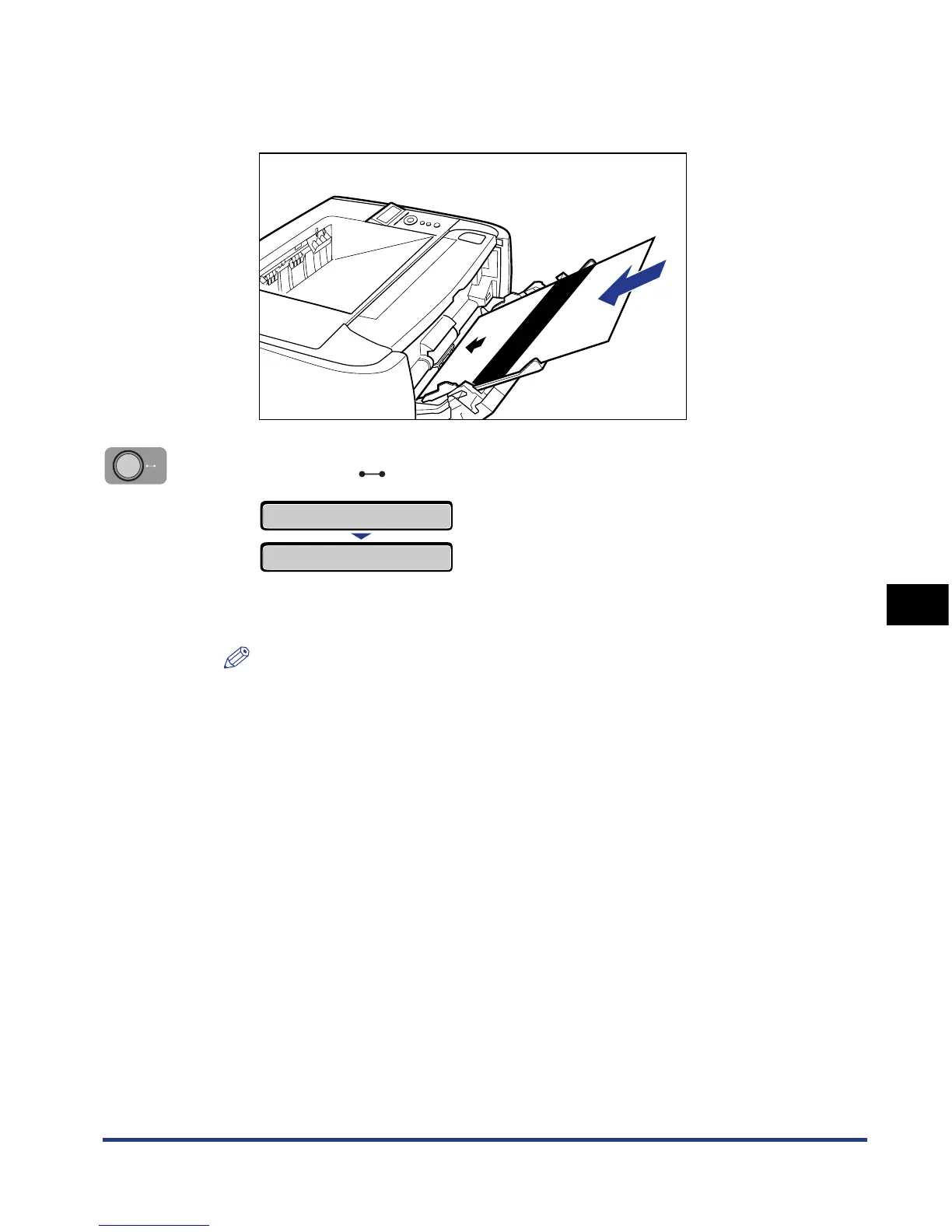
Load the cleaning page with the printed side facing up and the
arrow mark going into the multi-purpose tray first.
8
Press the (Online) key.
The paper is fed into the printer slowly, and the printer starts cleaning the fixing
roller.
NOTE
•
Cleaning takes approximately 80 seconds.
•
The cleaning process cannot be canceled. Please wait until it is completed.
•
When the front or back of the printed paper has smudge marks even after
performing the procedure above, perform the cleaning again. When doing so, do
not use the cleaning paper output in Step 5 above but load A4/Letter size blank
paper in the multi-purpose tray, and then perform the cleaning.
CLEANING
01 CLEANING













 To Next Page