8-3
Tr oubleshooting
8
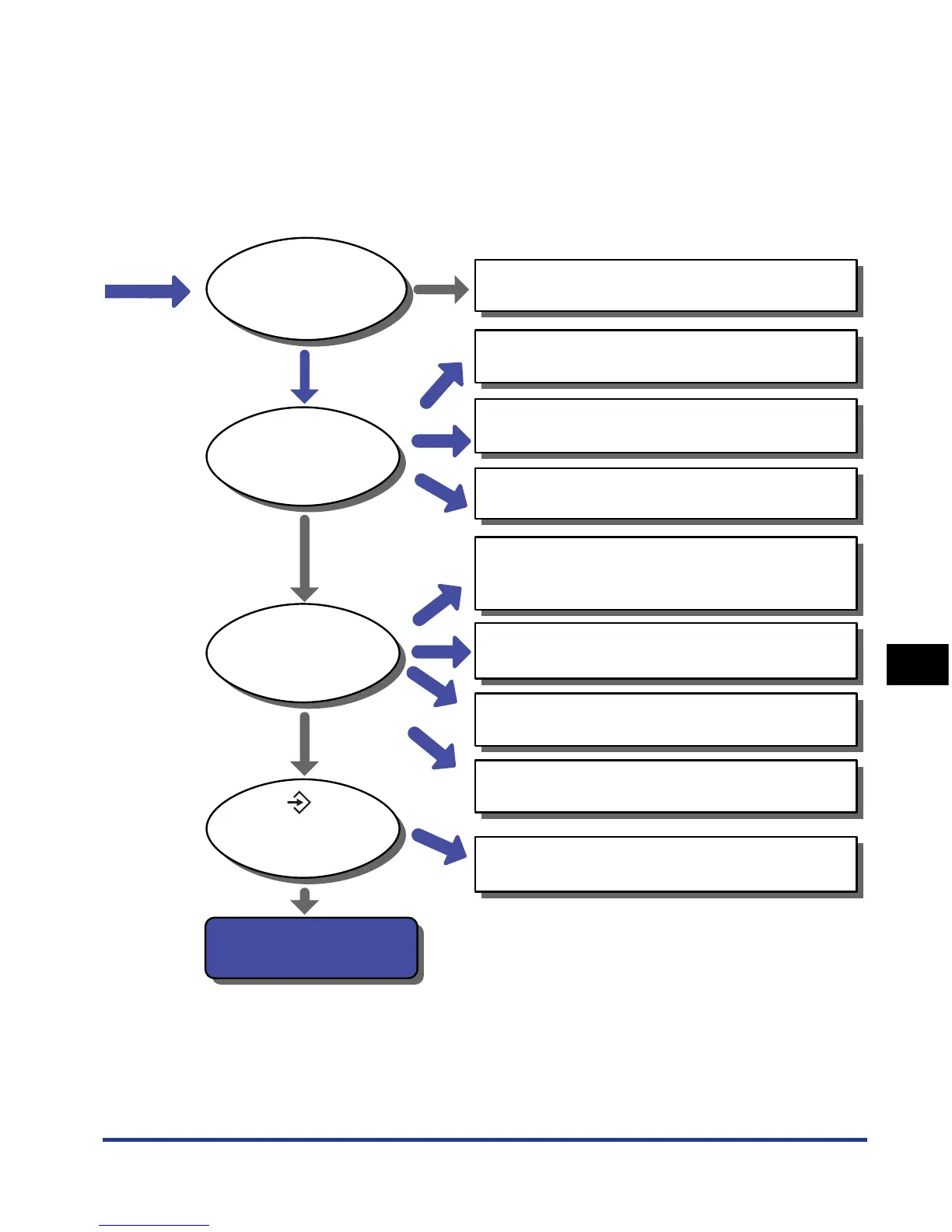
Troubleshooting Flowchart
An error
message is being
displayed.
<Unable to
get status.> is
displayed.
The (Job)
indicator on the
printer is blinking.
The printer is processing
the print data.
Please wait a moment.
Yes
Yes
Yes
Yes
No
No
No
No
A message
is being displayed
on the print monitor.
This printer is not selected for the printer destination.
See Driver Guide
The printer is OFF.
See "Turning the Printer ON" on p. 2-33
The printer is offline.
See "Online and Offline" on p. 3-6
The cable is not connected properly.
See "Connecting the Cables" on p. 2-26
<NO "size" PAPER> is being displayed.
See "Loading Paper in the Paper Cassette" on p. 4-17
See "Loading Paper in the Multi-purpose Tray" on p. 4-33
<PAPER JAM> is being displayed.
See "Paper Jams" on p. 8-4
A service call is being displayed.
See "Service Call Display" on p. 8-36
Other error message is being displayed.
See "Message List" on p. 8-26
Cannot print because of the previous job remaining.
See "Canceling a Job" on p. 3-16













 To Next Page