8-23
Tr oubleshooting
8
Paper Jams
24
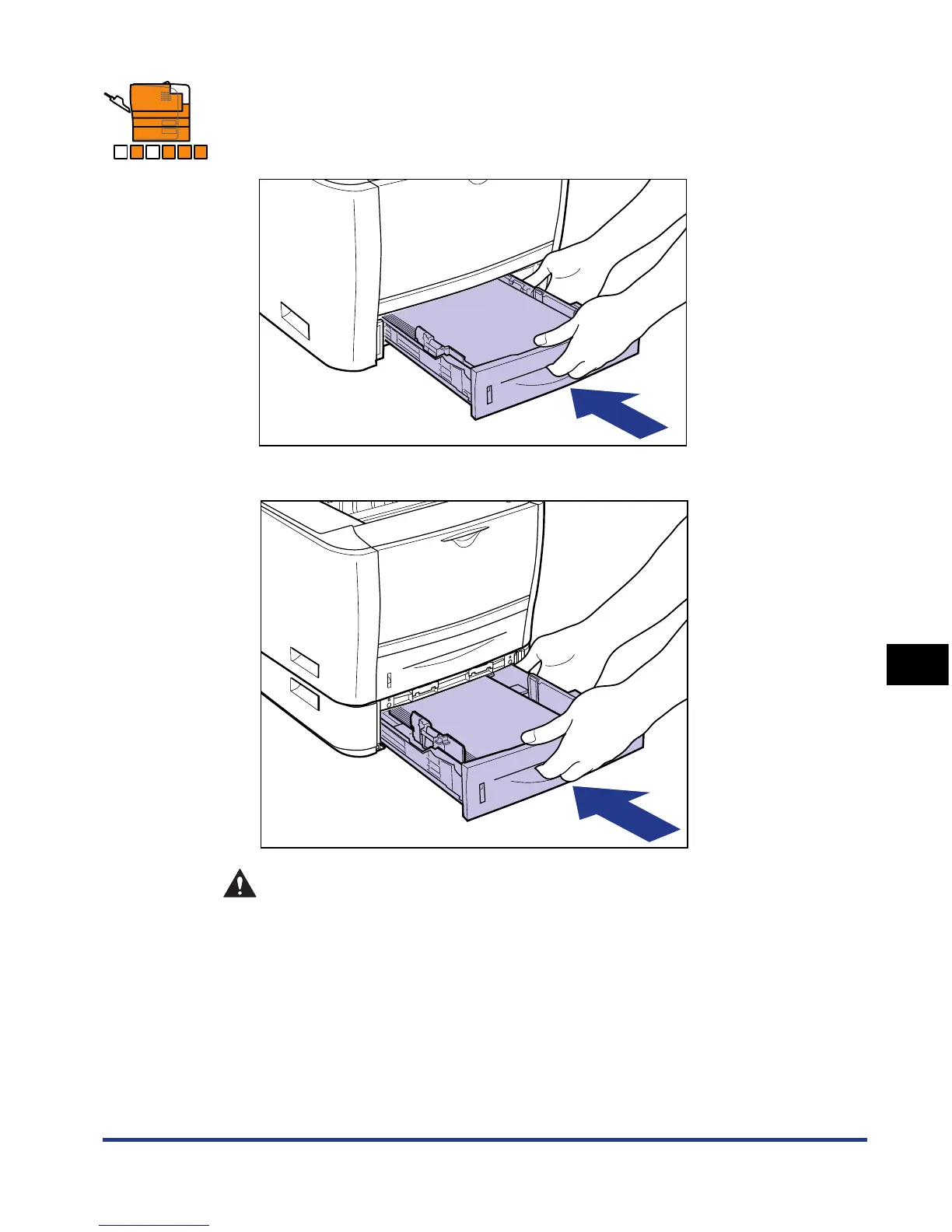
Set the paper cassette in the printer.
Push the paper cassette into the printer firmly until the front side of the paper
cassette is flush with the front surface of the printer.
If the paper feeder is installed, set the paper cassette of the paper feeder also.
CAUTION
When setting the paper cassette, be careful not to catch your fingers.
A B C D E F













 To Next Page