Installing the Paper Feeder
9-8
Installing the Optional Accessories
9
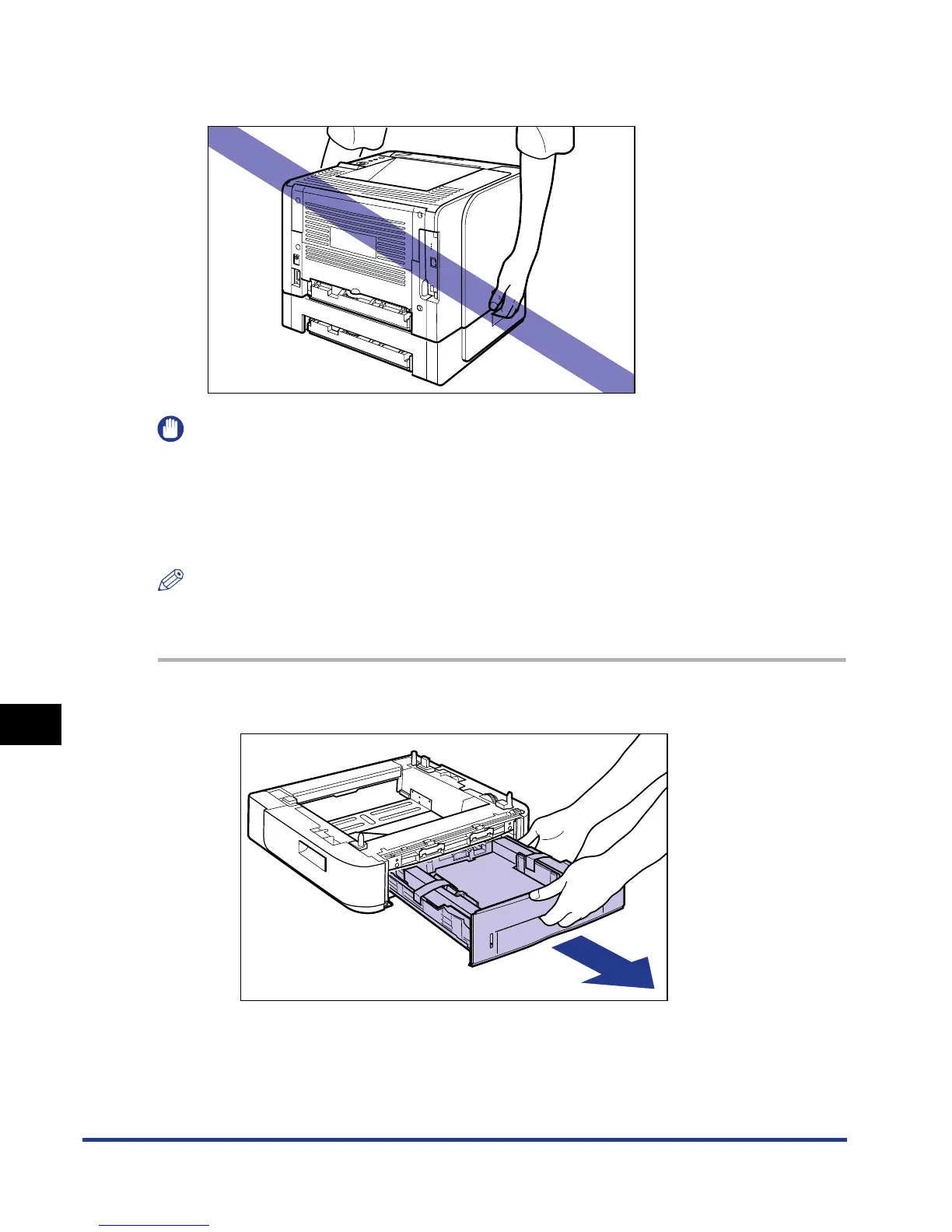
• Do not carry the printer with the paper feeder installed. If you do so, the paper
feeder may drop resulting in personal injury.
IMPORTANT
•
If there is any packing material remaining inside the paper feeder, this may result in
misfeeds or damage to the printer when operating the printer. Be sure to remove all the
packing materials following the procedure.
•
The removed packing materials are required when transporting the printer for relocation
or maintenance. Keep them where they will not get lost.
NOTE
The packing materials may be changed in form or position to be placed, or may be added
or removed without notice.
1
Pull out the paper cassette.


 To Next Page
 Loading...







