Turning the Printer ON and Checking the Printer Operation
2-40
Installing the Printer
2
1
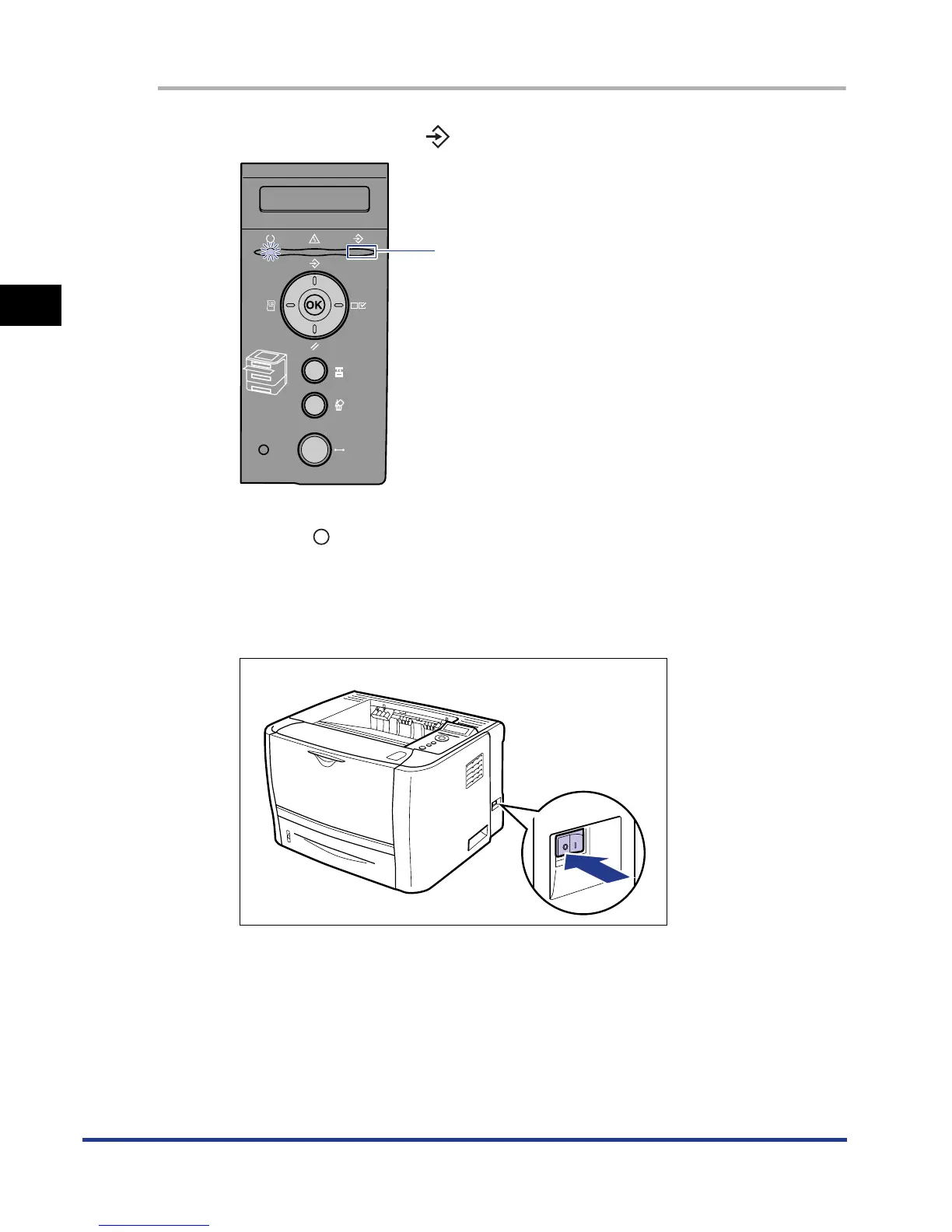
Make sure that the (Job) indicator is off.
2
Press " " of the power switch on the printer.
It is recommended that you shut down the printer before turning it OFF. (See
"Shutting Down the Printer," on p. 3-4)
If you are using WSD, the shutdown notifies the computer that the printer is
turned OFF.
OFF













 To Next Page