Paper(P. 620)
Loading Paper(P. 38)
Is it time to replace the toner cartridge?
● Materials inside the toner cartridge may have deteriorated. Replace the toner cartridge.
How to Replace Toner Cartridges(P. 569)
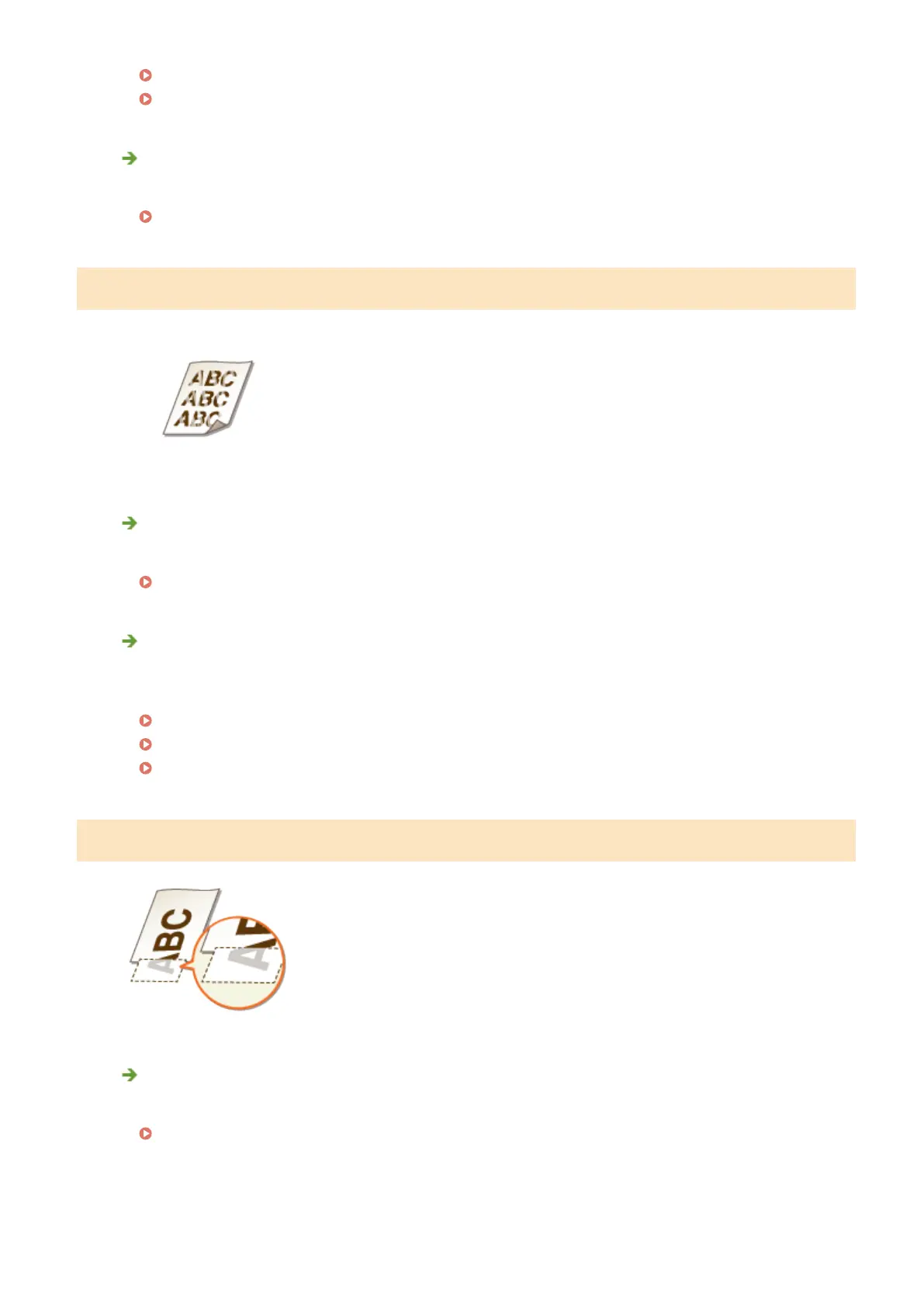
Printouts Are Faded
Is the amount remaining in toner cartridge running low?
● Check how much toner is left, and replace the toner cartridge as necessary.
Replacing Toner Cartridges(P. 566)
Are you using appropriate paper?
● Check usable paper, and replace with appropriate paper. Also, specify the paper size and type settings
properly.
Paper(P. 620)
Loading Paper(P. 38)
Specifying Paper Size and Type(P. 57)
A Portion of the Page Is Not Printed
Do the paper guides align with the edges of the paper?
● If the paper guides are too loose or too tight, part of a document may not be printed.
Loading Paper(P. 38)
Troubleshooting
551



 To Next Page