Do you print data without margins?
● This symptom occurs if a margin is set to none in the printer driver. The marginal areas within the rst 5
mm from the respective edges of paper are not printable (for envelopes, the top and bottom marginal
areas within the rst 10 mm from the top/bottom edge are not printable). Make sure to have margins
around the document to print.
[Finishing] tab
[Advanced Settings] [Expand Print Region and Print] [Off]
Are you using custom size paper loaded in correct orientation?
● Load the custom size paper in landscape orientation when you print without using the UFR II printer
driver.
● Load the custom size paper in portrait orientation if the following conditions are met when you are using
the UFR II printer driver.
Paper Size in Select Feeder Menu
<Free Size>
Loaded Paper Long edge length is 215.9 mm or less.
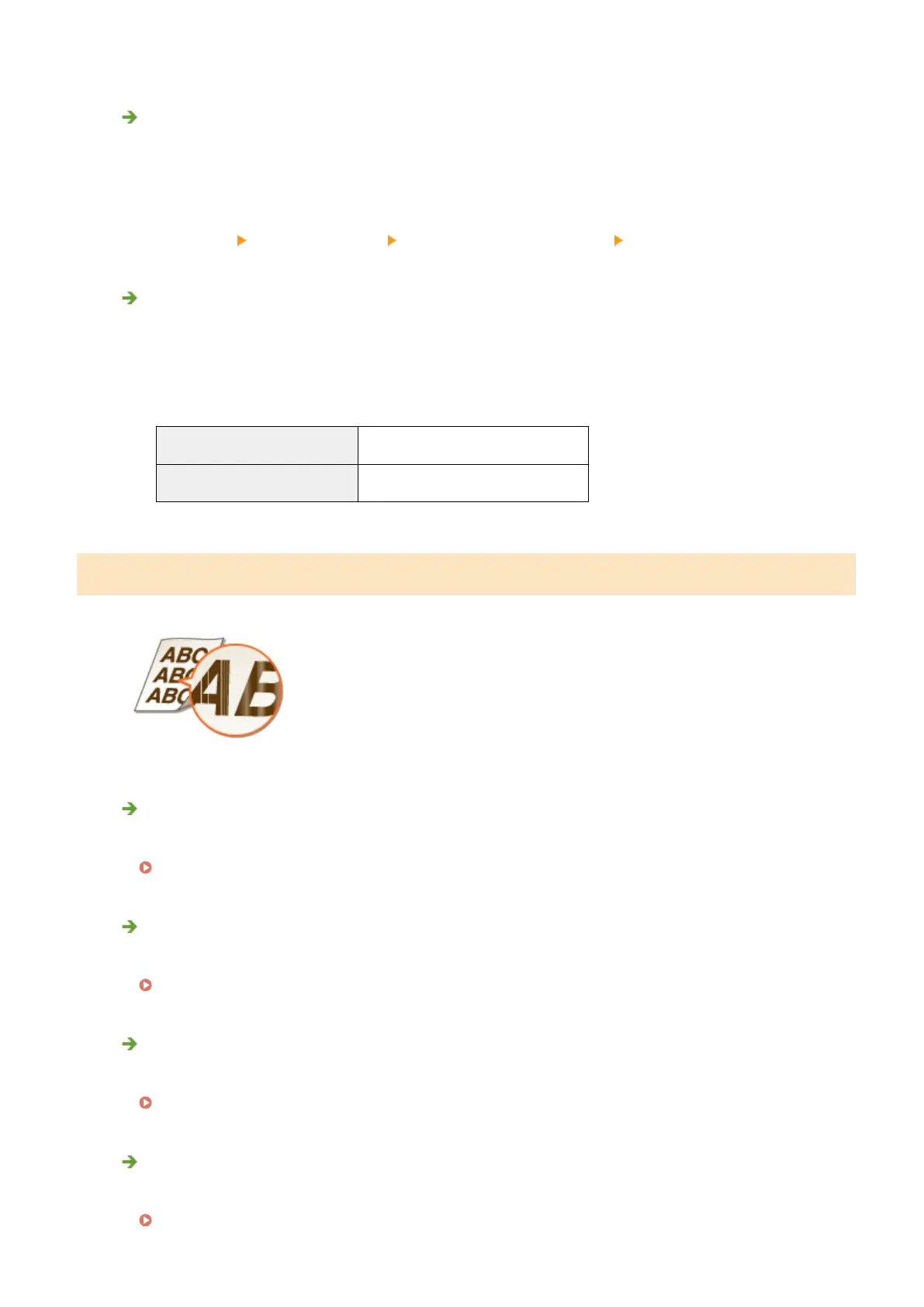
Streaks Appear/Printing is Uneven
Have you cleaned the xing unit?
● Clean the xing unit.
Fixing Unit(P. 565)
Is the amount remaining in toner cartridge running low?
● Check how much toner is left, and replace the toner cartridge as necessary.
Replacing Toner Cartridges(P. 566)
Is it time to replace the toner cartridge?
● Materials inside the toner cartridge may have deteriorated. Replace the toner cartridge.
How to Replace Toner Cartridges(P. 569)
Are you using the machine in an environment with high humidity?
● Change the setting of <Special Density Mode>. Selecting <On> may improve the problem.
Special Density Mode(P. 425)
Troubleshooting
552



 To Next Page