The following two methods are used for launching SMS.
Launching SMS directly from the Web browser
Launching SMS from a Remote UI
Launching SMS directly from the Web browser
1
Start the Web browser.
2
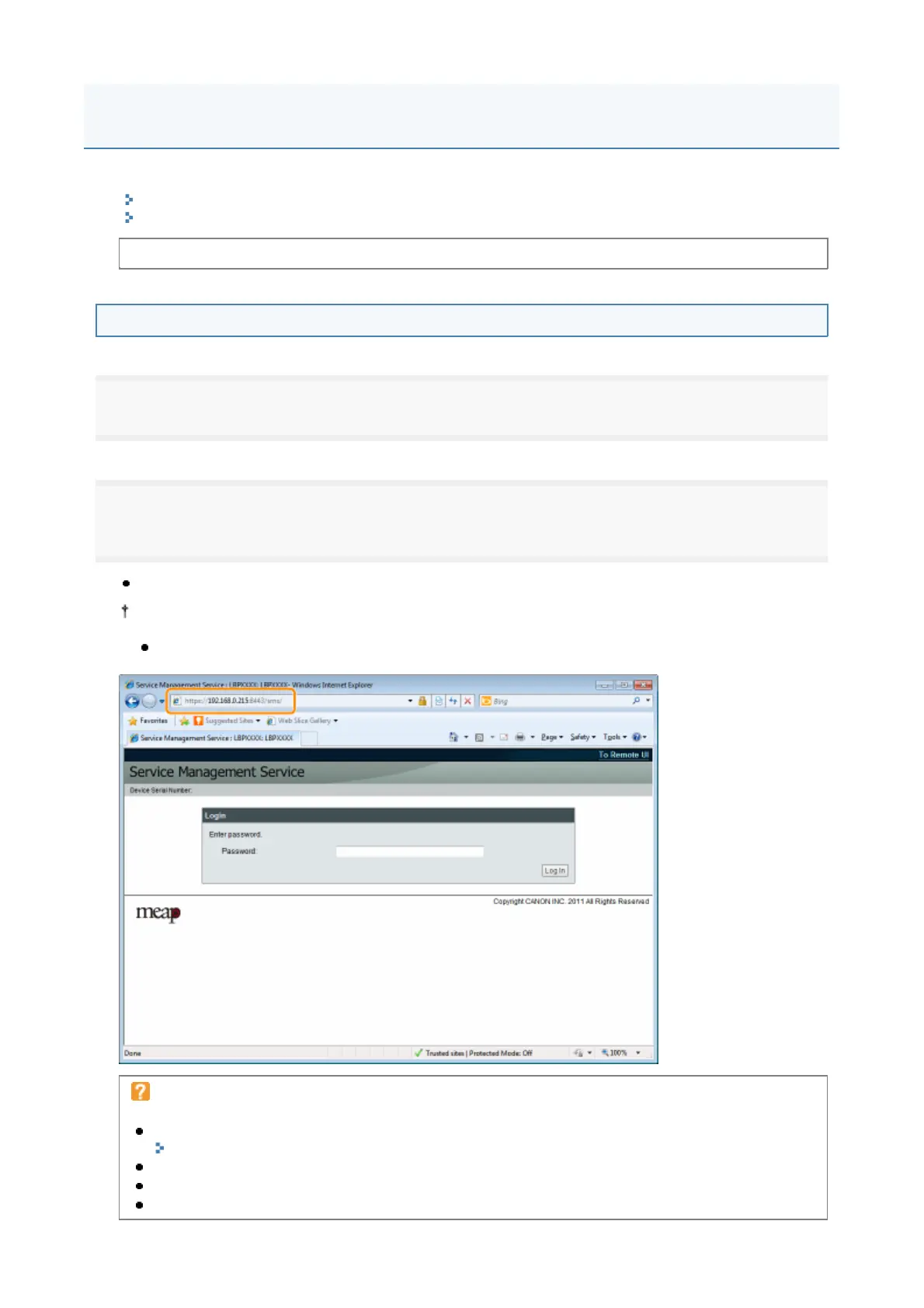
Enter "https://<Printer's IP address>:8443/sms/" in the address bar, and then press [ENTER] from the
Enter key on the keyboard.
Entry Example: https://192.168.0.215:8443/sms/
Before launching SMS, see "Attention (Launching SMS (Log in))."
If the printer's host name is registered in the DNS server, you can enter [host name.domain name]
instead of the IP address
Input Example: http://my_printer.xy_dept.company.com:8443/sms/
If SMS does not launch
Check the following.
HTTP communication is enabled.
"Setting Up HTTP Communication"
The computer and printer are connected properly over the network.
The printer is turned ON.
The IP address or [host name.domain name] are entered correctly.
Launching SMS (Log in)
4



 To Next Page