46
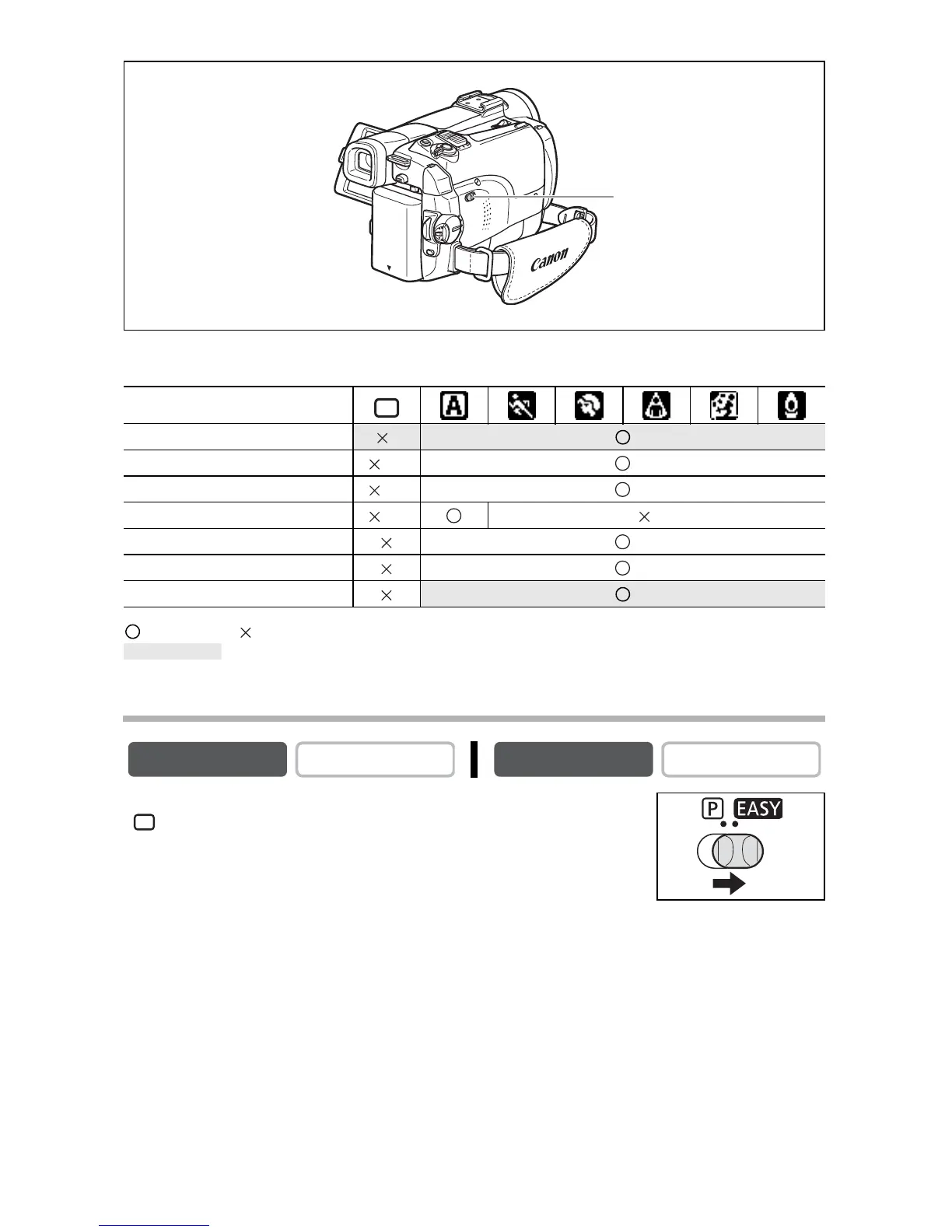
Availability of Functions in Each Mode:
: Available : Not available A: Auto setting
: Can be used only in CAMERA mode.
* The setting is automatically set to ON.
Selecting the Easy Recording Program
Set the program selector to EASY.
“ EASY” appears.
Recording Program
Image Stabilizer *
Focus (A)
White Balance (A)
Shutter Speed (A) (A)
Exposure Lock
Digital Effects
Card Mix
CAMERA
PLAY (VCR)
CARD CAMERA
CARD PLAY
Program selector
Shaded area



 To Next Page