92
Changing the Movie Size
You can choose between 320 x 240 pixels and 160 x 120 pixels.
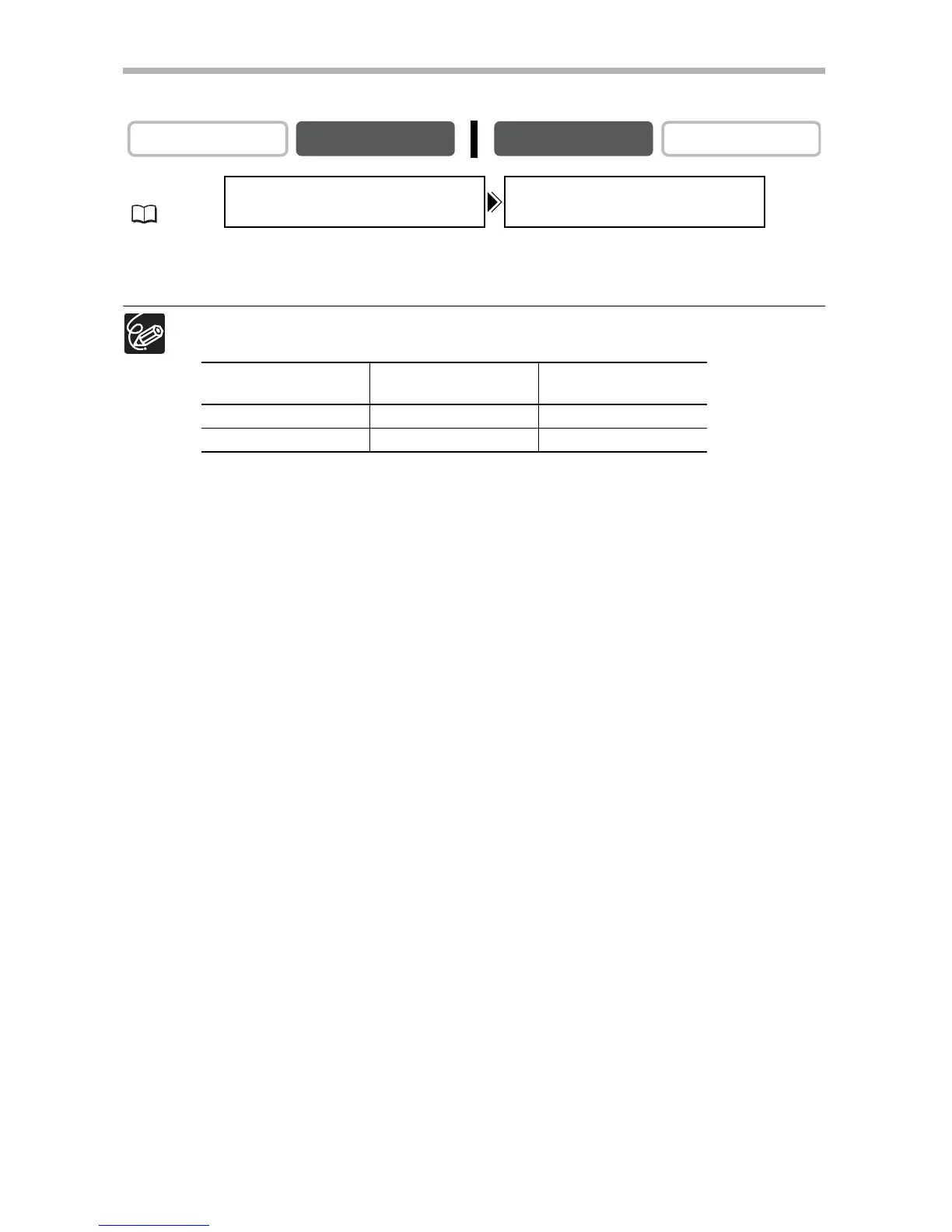
Open the menu and select [CARD SETUP]. Select [MOVIE SIZE], set it to
[160x120] and close the menu.
Movies are recorded with Motion JPEG compression.
Maximum recording time on a 8 MB SD Memory Card:
CAMERA
PLAY (VCR) CARD CAMERA
CARD PLAY
MENU
(37)
CARD SETUP MOVIE SIZE...320x240
Image Size
Recording Time
(8 MB)
File Size per Second
320 x 240 approx. 20 sec. 250 KB/sec.
160 x 120 approx. 50 sec. 120 KB/sec.



 To Next Page