68
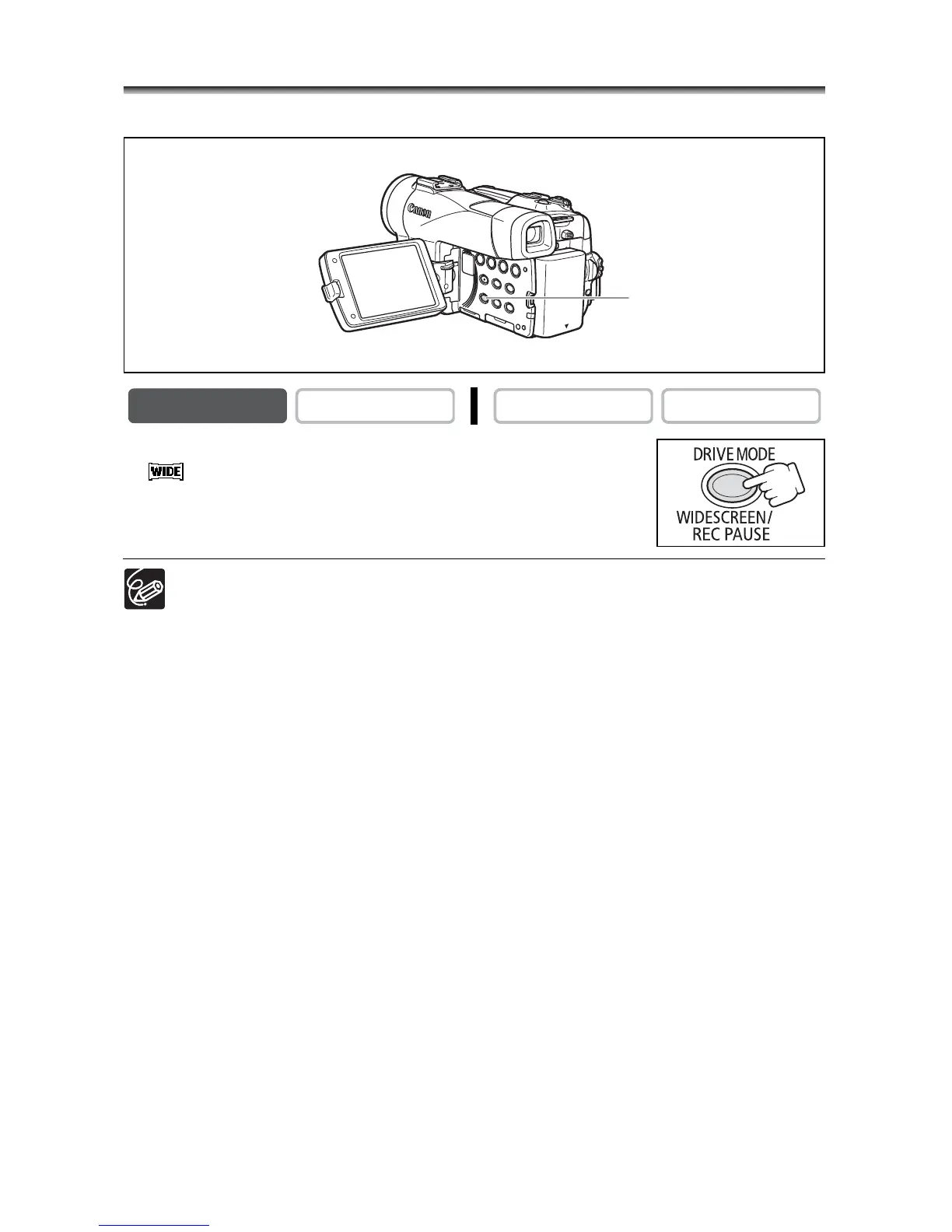
Widescreen TV Recording (16:9)
The camcorder uses the full width of the CCD providing high-resolution 16:9 recording.
Press the WIDESCREEN button.
• “ ” appears.
• The LCD screen switches to the “letterbox” display. The picture on
the viewfinder appears horizontally squeezed.
When you turn off the image stabilizer, you will get a larger horizontal angle of
view.
The multi-image screen cannot be used when the widescreen mode is selected.
Simultaneous recording on a memory card cannot be used when the
widescreen mode is selected.
If you play back a widescreen recording on a normal TV, the image appears
horizontally squeezed.
CAMERA
PLAY (VCR) CARD CAMERA CARD PLAY
WIDESCREEN button



 To Next Page