Before Using the VB101
1
16 17
PC
IBM PC/AT compatible
Windows 95/98 or Windows NT 4.0 (IE 4.0 or later required)/Windows 2000
Netscape Navigator/Communicator 4.5 or later,
or Microsoft Internet Explorer 4.01 or later required
Operating System
Web Browser
* This viewer is installed on the VB101 and is automatically downloaded by the client at access.
* This software may not run stably on operating systems other than those listed above.
PC
IBM PC/AT compatible
Windows 95/98 or Windows NT 4.0 (IE 4.0 or later required)/Windows 2000
Netscape Navigator/Communicator 4.5 or later,
or Microsoft Internet Explorer 4.01 or later required
Operating System
Web Browser
* This software must be installed beforehand.
* It can be installed free of charge from the CD-ROM for the VB101, or the following Web site.
URL: http://www.x-zone.canon.co.jp/WebView-E/download/dload.htm
Computer
IBM PC/AT compatible device
CPU: Pentium II 266 MHz or better, RAM: 64 Mbytes or better, Hard disk capacity: 300 Mbytes or better
Windows 95/98 or Windows NT 4.0/Windows 2000
OS
Microsoft Internet Explorer 5 or later required
Web Browser
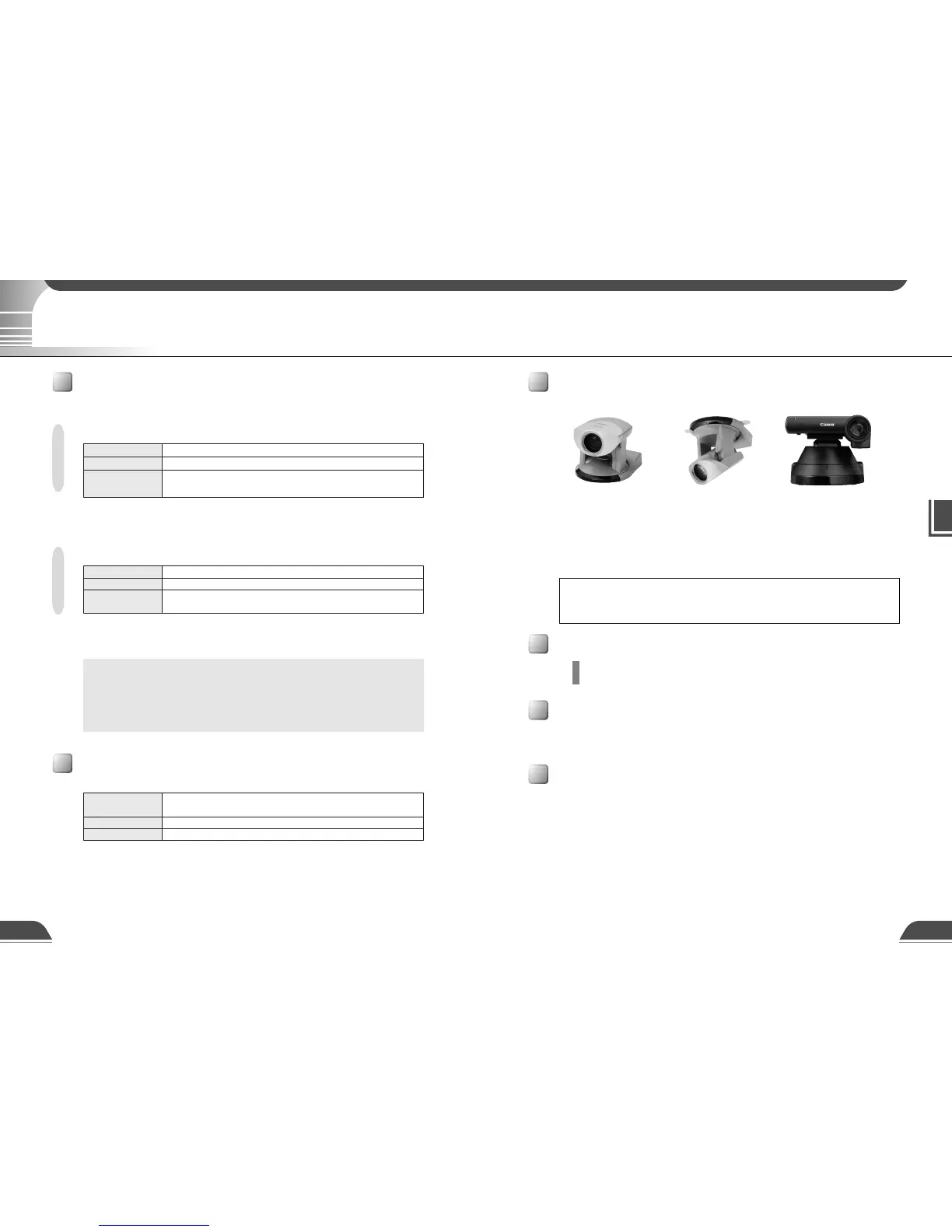
Compatible Cameras (optional)
Canon Communication Camera
VC-C4/VC-C4R
(NTSC)
Canon Communication Camera
VC-C3
(NTSC/PAL)
Compatible Networks
• 10 Base-T/100 Base-TX Ethernet (auto negotiation)
• Public switched telephone networks (Use a recommended modem card)
e
Tip
While other cameras can be used, the camera control functions will not be
available. Only the video functions can be used.
Compatible PCMCIA Cards
Hardware and Software Requirements
Java Viewer version 3.10
c
Note
The helper viewer or plug-in viewer for Webview Livescope version 1.21, 2.01
and 3.0 can also be used, but some of the functions differ.
On Macintosh computers, some of the functions of the helper viewer for
Webview Livescope version 1.20 are not available.
Webview Livescope MV Monitoring Station Software version 1.0 (optional)
Helper Viewer version 3.10
Webview Livescope Viewer Software
Hardware and Software Requirements
Use a recommended PCMCIA card. For further information, contact your Canon dealer.
Compatible Cables (optional)
RS-232C cables for camera control and video cables are available as optional accessories in
lengths other than the ones provided. For further information, contact your Canon dealer.
Canon Communication Camera
VC-C4R
(NTSC)
The wide converter WL-37 (for the VC-C4) and the wide converter WD-37 (for the VC-C3) are
available as optional accessories.



 To Next Page