14
Preparing to Use the W-E1
2
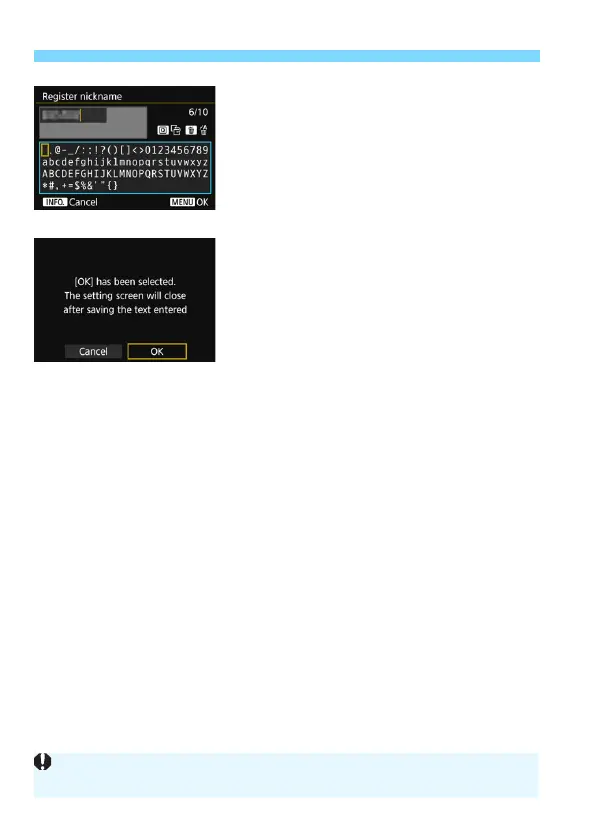
Enter a nickname.
For instructions on entering
characters, see the next page.
When using the default nickname (the
camera name), proceed to step 3.
Otherwise, enter any characters
between 1 to 10 characters in length.
3
Exit the setting.
When you are finished, press the
<M> button.
Select [OK] on the confirmation
dialog and press <0>. The [Wi-Fi
function] screen will appear. Select
the Wi-Fi device to connect to (p.16).
Since the nickname is the information required for wireless setting, you
cannot delete all the characters.



 To Next Page