49
Connecting to a Detected Network Manually
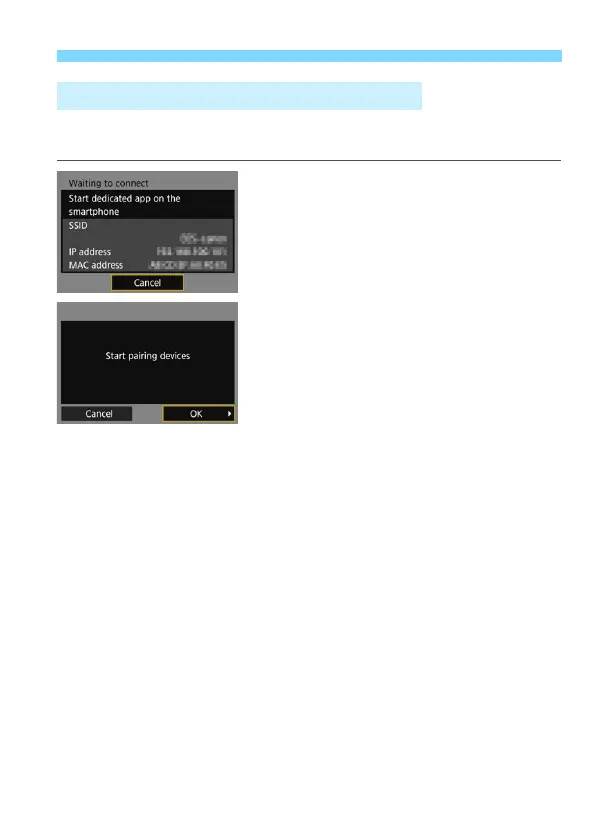
This section explains how to set the screens for the Wi-Fi function.
Read the page that introduces the selected Wi-Fi function.
Communicating with a Smartphone
Step 6 on page 24
Operating Remotely Using EOS
Utility
Step 6 on page 30
Specifying Settings for the Wi-Fi Function



 To Next Page