Basic Operation of the Camcorder
26
Changing the Camcorder's Operating Mode
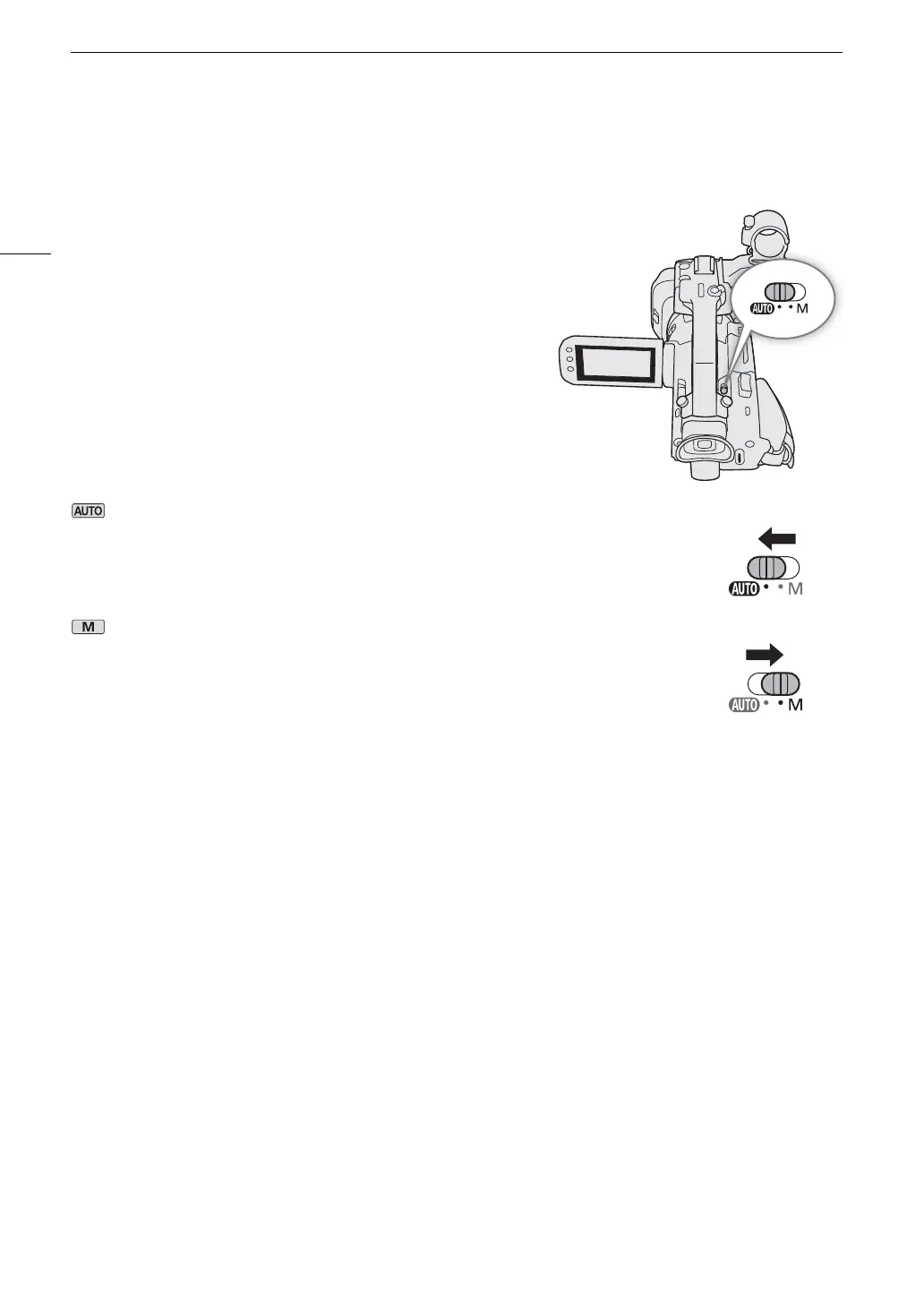
When making recordings, you can change the camera mode to match your shooting style (A 37).
(Auto) mode
Set the mode switch to N. With this mode, the camcorder takes care of all the settings
while you concentrate on recording. This operating mode is suitable if you just prefer not to
bother with detailed camcorder settings.
(Manual) mode
Set the mode switch to n. With this mode, you can enjoy full access to menus, settings and
advanced functions.



 To Next Page