95
Assignable Buttons
Assignable functions
* Available only for physical assignable buttons.
** Requires that the handle unit be correctly attached to the camcorder.
• You can also use the > [B System Setup] > [Assignable Button 1] to [Assignable Button 5] settings
to change the function assigned to physical buttons.
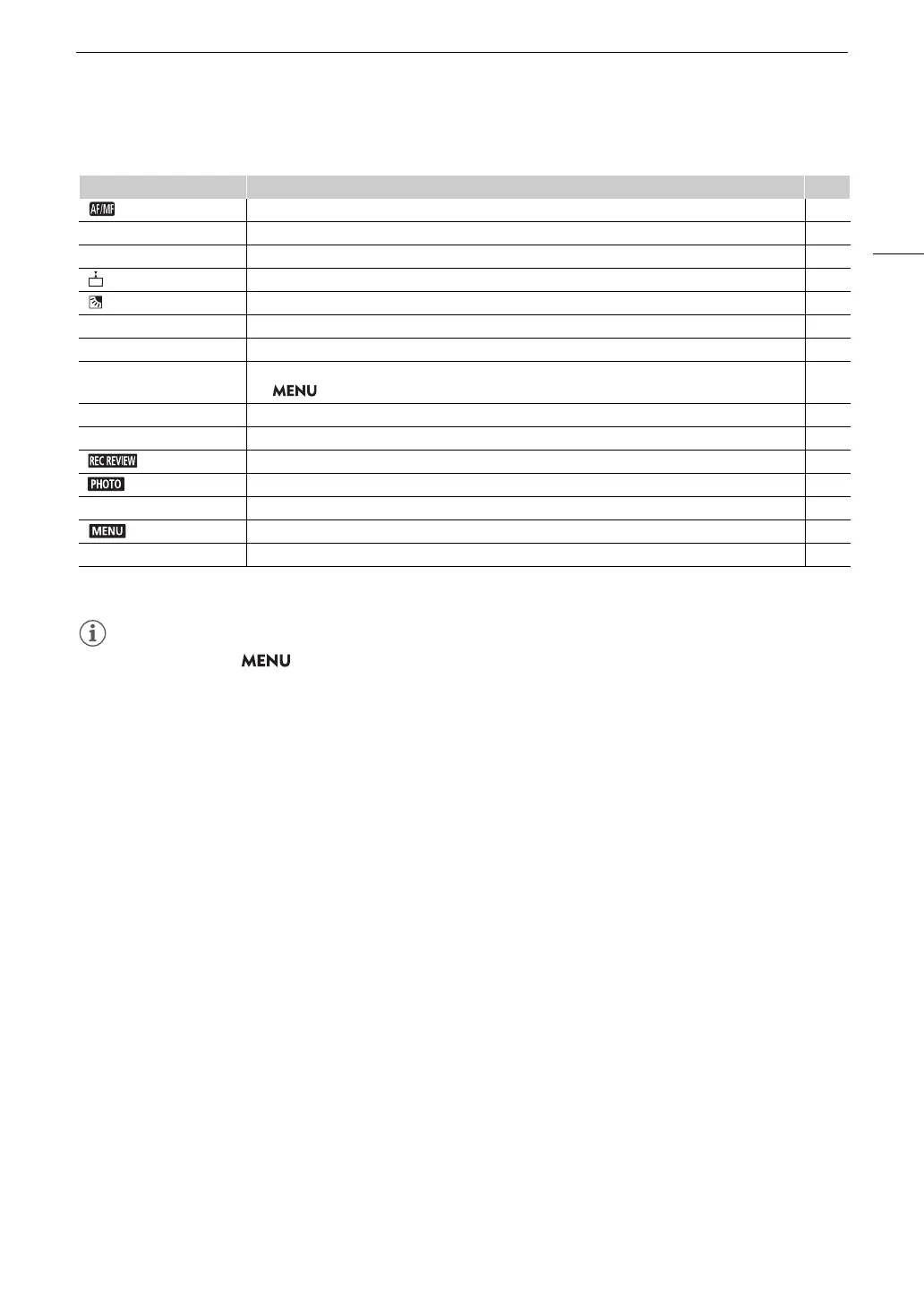
Function name Description A
[ AF/MF] Switches between autofocus and manual focus. 47
[~ Face Only AF] Switches between standard autofocus and autofocus only when a face is detected. 54
[^ Magnification] Turns magnification on/off. 50
[ Focus Guide] Turns the focus guide on/off. 49
[ BLC Always On] Turns the constant backlight correction function on/off. 68
[± Powered IS] Turns powered IS on/off. 60
[Å Set WB]* Registers a custom white balance setting. 71
[Ä WB Priority] Switches between the current white balance setting and a priority white balance setting registered with
the > [v Camera Setup] > [Set WB Priority] setting.
117
[< IR Light]** When infrared recording is activated, turns the camcorder's infrared light on/off. 88
[z Pre REC] Turns pre-recording on/off. 87
[ Rec Review] Reviews the last clip recorded. 39
[ Photo] Records a photo. 38
[œ Monitor Channels] Changes the audio channels output from the × (headphone) terminal. 110
[ Menu] Opens/closes the setup menus. 29
[j Off] No function assigned – the button is disabled. —



 To Next Page