Adjusting the Focus
52
Continuous AF
By default, the camcorder will focus automatically on a subject at the center of the screen. If the AF frame size
has been changed to an option other than [k Automatic] (A 52), the camcorder will focus automatically on a
subject inside the AF frame that appears on the screen.
* In mode, continuous AF is applied by default so this procedure is not necessary.
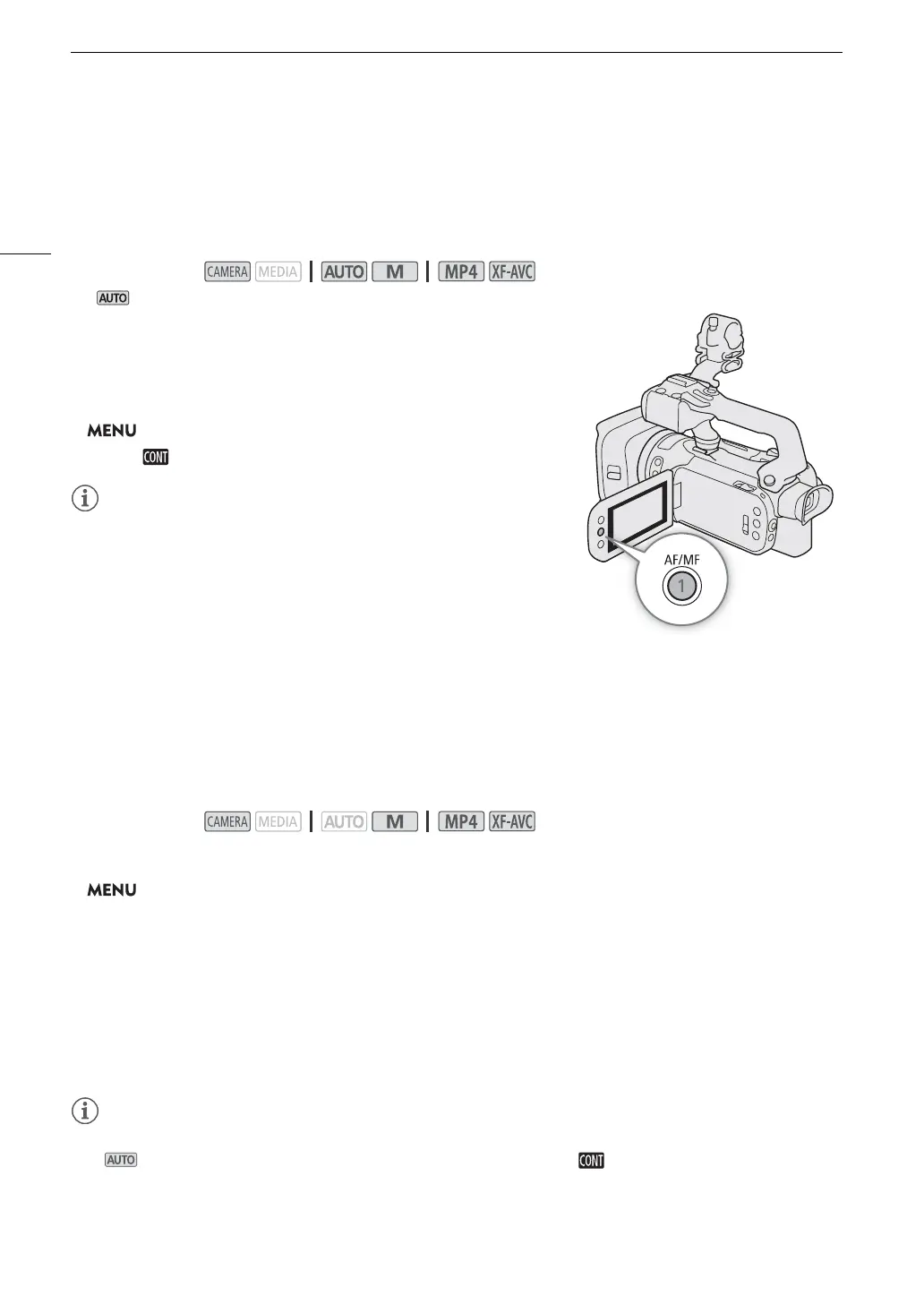
1Press the AF/MF button to activate the autofocus.
• @ will appear on the left of the screen.
2 Set the AF frame size to [r Large] or [s Small] (A 52).
3 Select [AF Mode].
> [v " Camera Setup] > [AF Mode]
4 Select [ Continuous] and then select [X].
• When [v Camera Setup] > [AF Frame Size] is set to [r Large] or
[s Small], a white AF frame will appear on the screen.
Changing the AF Frame Size
By default, when autofocus is used, the camcorder focuses on a subject at the center of the screen and no AF
frame is displayed. You can select to display an AF frame and change its size and position to focus on a specific
area or subject.
1 Select [AF Frame Size].
> [v " Camera Setup] > [AF Frame Size]
2 Select the desired option and then select [X].
Options
• When the AF frame size is set to [k Automatic], AF-Boosted MF cannot be used.
• In mode, the AF mode and AF frame size are automatically set to [ Continuous] and [k Automatic],
respectively, and these settings cannot be changed.
Operating modes:
Operating modes:
[k Automatic]: No AF frame is displayed. The camcorder focuses automatically on a subject at the center of
the screen.
[r Large], [s Small]:
An AF frame is displayed. You can move the AF frame within 80% of the screen area and select
its size according to the subject you want to focus.



 To Next Page