85
Using Headphones
Using Headphones
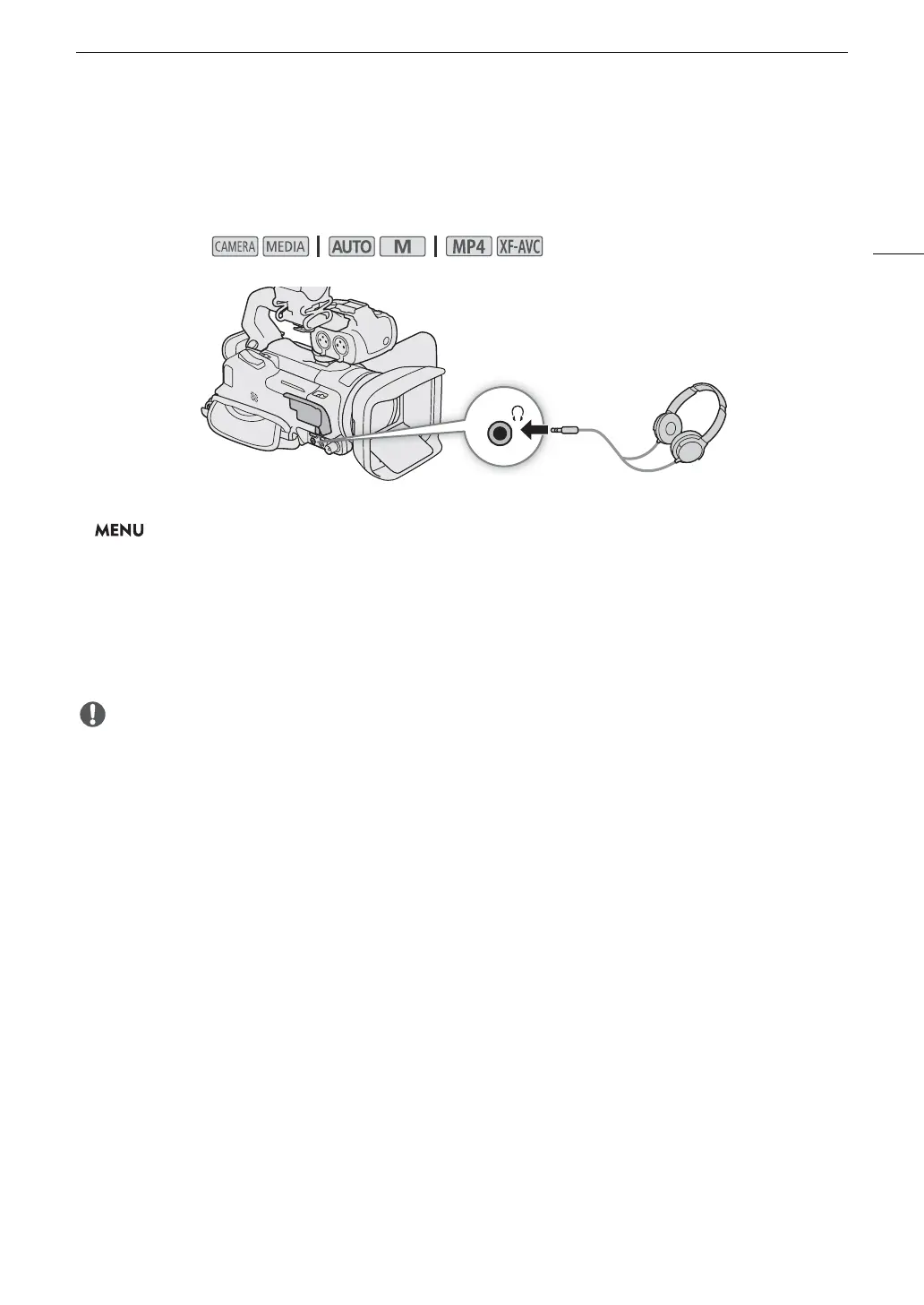
Connect headphones with a ∅ 3.5 mm stereo mini plug to the × (headphone) terminal for playback or to
monitor the recorded audio.
1 Select [Headphone Volume].
> [C # Audio Setup] > [Headphone Volume]
2 Select [Ô] or [Õ] to adjust the volume and then select [X].
• You can also drag your finger along the volume bar.
To ad j ust the volume during playback
During playback, you can also adjust the headphones volume in the same way you adjust the speaker’s volume
(A 99).
• When using headphones, make sure to lower the volume to an appropriate level.
Operating modes:



 To Next Page