87
Pre-Recording
Pre-Recording
When pre-recording is activated, the camcorder starts recording continuously into a temporary memory (approx.
3 seconds) so when you press the REC button, the clip will contain also a few seconds of video and audio
recorded before you pressed the button.
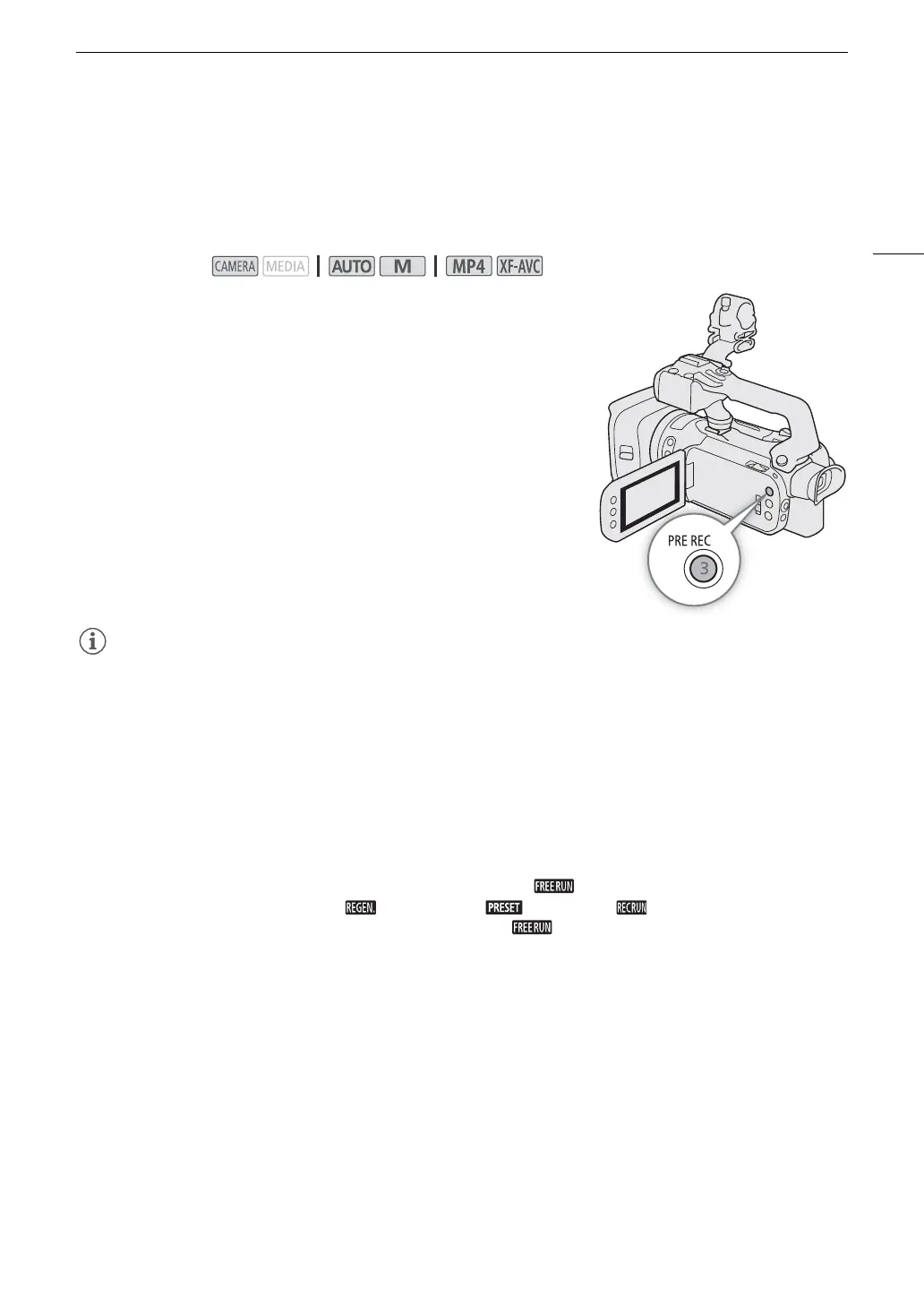
1Press the PRE REC button.
• Pre-recording is activated and z appears at the top of the screen.
• Press the button again to turn off pre-recording.
2Press the REC button.
• The clip recorded on the card will include a few seconds of video
and audio recorded before the REC button was pressed.
• The camcorder will not record the full 3 seconds prior to pressing the REC button if the button was pressed
within 3 seconds of having turned on pre-recording or having finished the previous recording.
• Pre-recording cannot be used together with slow & fast motion recording.
• Pre-recording will be deactivated in the following cases:
- When the power switch or mode switch is operated.
- When a menu is opened.
- When the shooting mode, white balance or look is changed.
- When the card compartment cover is opened or the card selected for recording clips becomes full.
• About the time code when pre-recording is activated:
- The time code of the clip will start a few seconds before the REC button was pressed.
- The time code will be recorded with the running mode set to [ Free Run].
- If the time code mode was set to [ Regen.], or to [ Preset] with [ Rec Run] running mode, the
time code running mode will be changed automatically to [ Free Run] when pre-recording is activated.
- When pre-recording is turned off, the time code running mode will return to its previous setting.
Operating modes:



 To Next Page