Page | 20
By default, the Quarryman Pro is connected to the standard lithium-ion battery supplied. If a lead acid battery is
used instead, whether with the blue crocodile clip cable or the main power cable, you will need to press the 5 button
on the keypad for three seconds when powering the Quarryman Pro ON. Alternatively, from the main menu, press
the FUNCTION key and 5 key together to toggle the battery selection between lead acid and lithium-ion.
It is necessary to carry out this procedure because of the different voltages and discharge profiles of lithium-ion and
lead acid batteries. If you do not identify the battery as lead acid, the Quarryman Pro will assume that it is connected
to a discharged lithium-ion battery. In this case, very soon after it is turned on, the Quarryman Pro will display a low
battery warning and carry out a controlled shut-down.
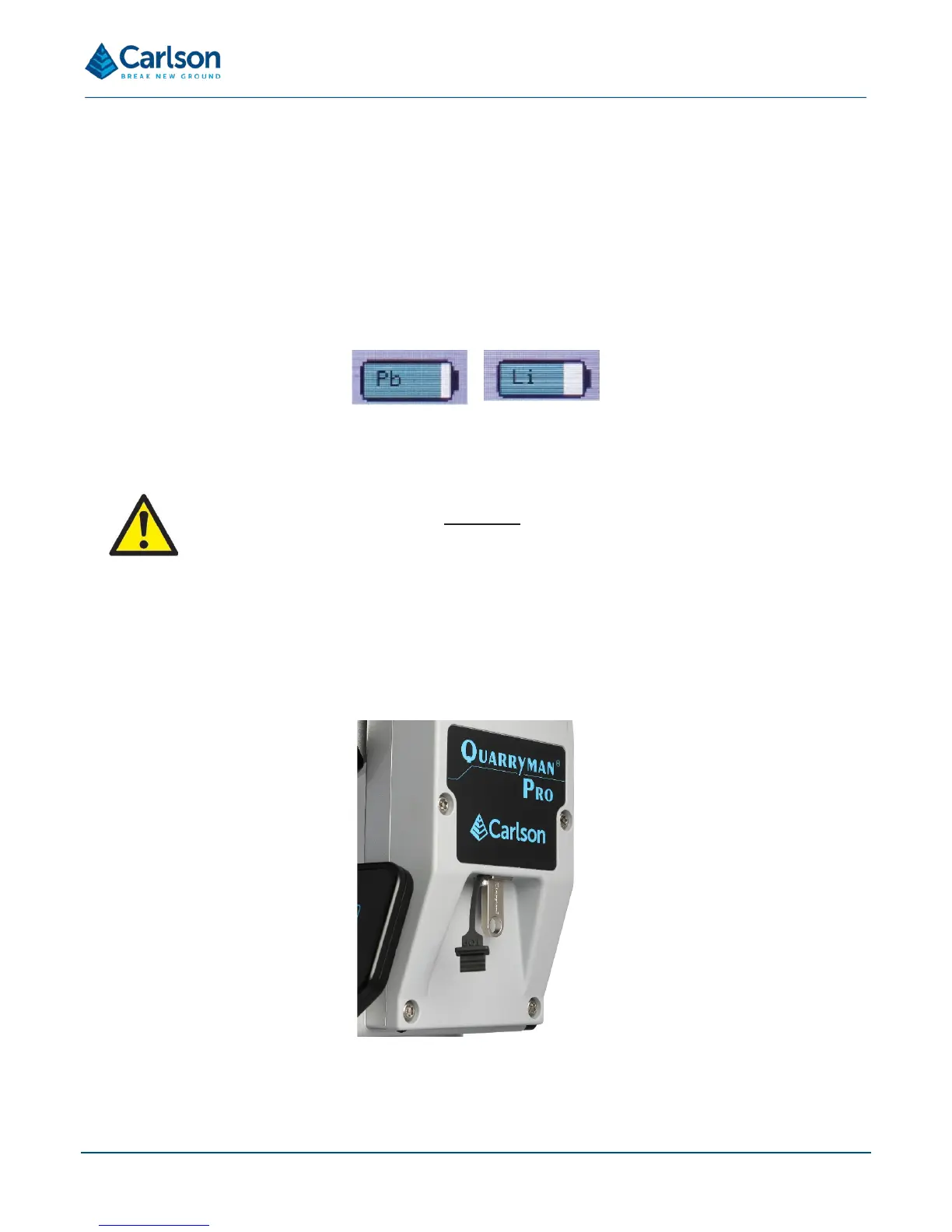
The battery type will be displayed on the start-up splash screen. It will also be displayed on the battery indicator in
the status bar as either Pb (lead acid) or Li (lithium-ion).
If a lead acid battery is being used at a voltage of less than 10.8 V dc, the Quarryman Pro will carry out a controlled
shut-down due to low power.
Any voltage source connected to the Quarryman Pro must be within the specified voltage range. This
includes car batteries as an acceptable stand-alone power source but does not include a car battery
connected to a powered vehicle, or a dc power generator.
4.10 USB drives
Three USB drives are supplied with the Quarryman Pro. During all operations with the Quarryman Pro, data is
stored in a USB drive inserted into the instrument.
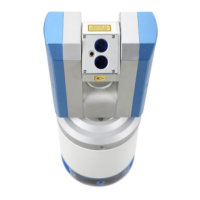
The USB drives fit into the USB port on the side of the Quarryman Pro.
The USB port is sealed and waterproof. A rubber plug with lanyard is connected to the Quarryman Pro and can be
used to physically protect the USB drive when no USB drive is connected to the unit.


 To Next Page