23 62-11648
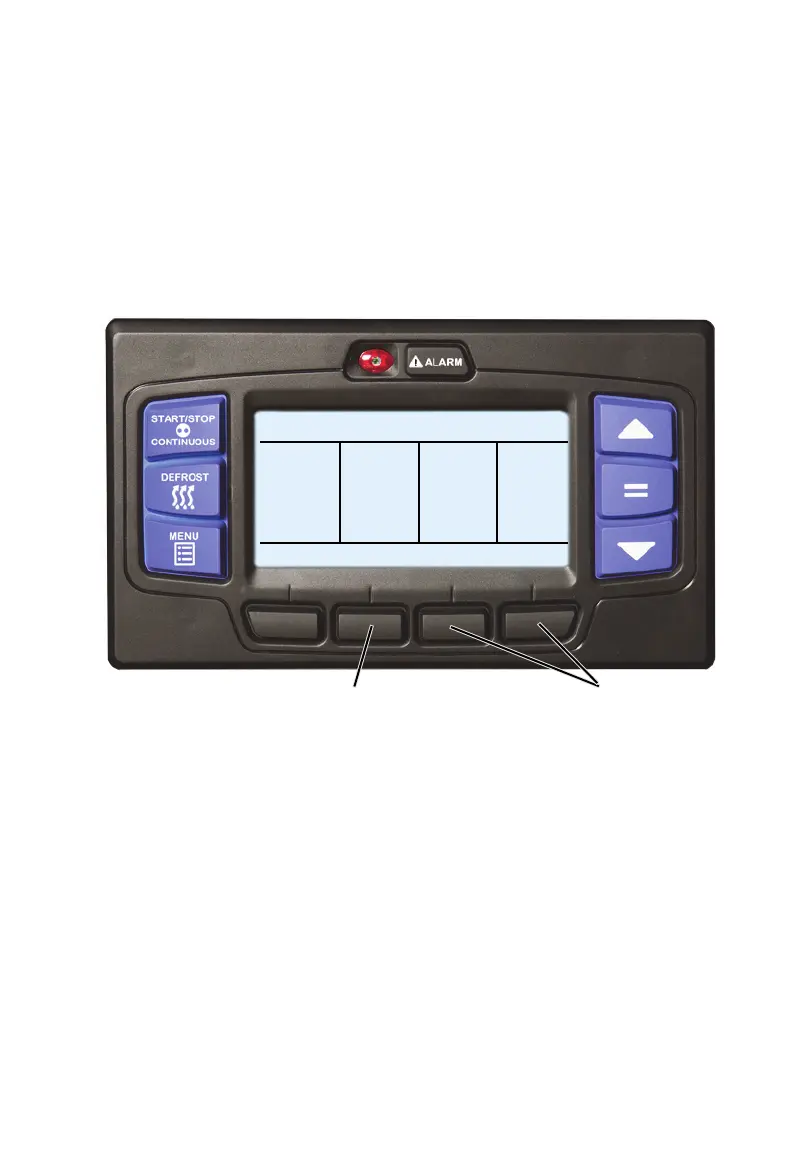
1. With the system powered up (START/RUN-OFF switch in the START/
RUN position) and the default screen displayed, press the “=” key to open
the ON/OFF display.
• If a compartment is currently OFF, the corresponding soft key will
display ON.
• If a compartment is currently ON, the corresponding soft key will
display OFF.
2. To turn a compartment ON, press the ON soft key.
3. To turn a compartment OFF, press the OFF soft key.
PRESS COMPARTMENT BUTTON TO
CURRENT
C1 ON
STATE
C1
OFF
TURN ON OR OFF
C2
ON
C3
ON
C2 OFF C3 OFF
2
3


 To Next Page