Network Menu – NETWORK
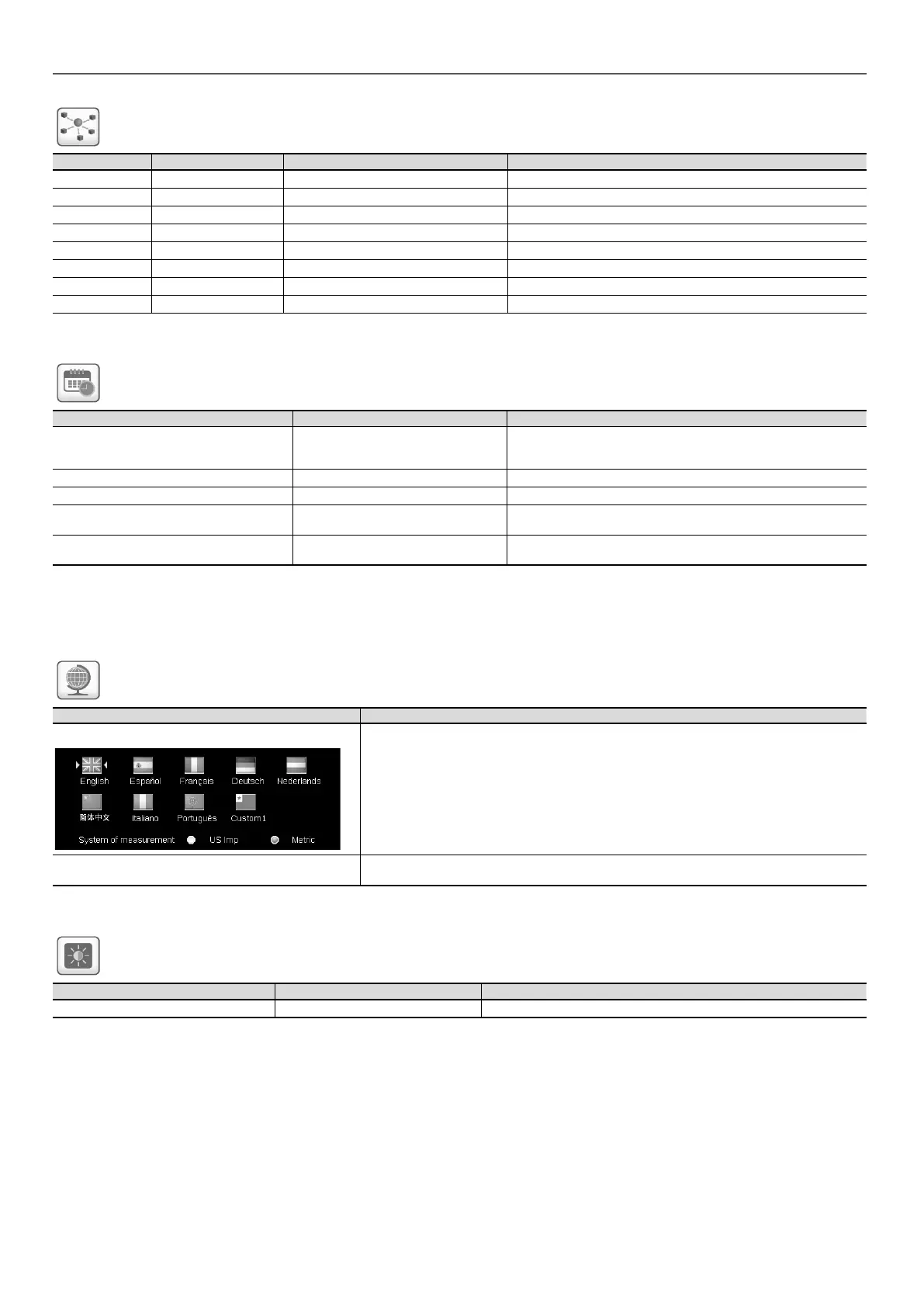
Status Default Displayed text* Description
IP Network Interface J5 (eth0): IP Network Interface J5 (Ethernet 0):
xx:xx:xx:xx:xx:xx MAC Address MAC Address
- 169.254.1.1 TCP/IP Address TCP/IP Address
- 255.255.255.0 Subnet Mask Subnet Mask
- 169.254.1.3 Default Gateway Default Gateway
- 255.255.0.0 Gateway Mask Gateway Mask
- 169.254.1.3 Domain Name Server (DNS) Domain Name Server (DNS)
- 169.254.1.4
*Depends on the selected language (English by default).
Date/Time Conguration – DATETIME
Status Displayed text* Description
on/off Daylight Saving Time Information of setting the clocks forward one hour from standard
time during the summer months, and back again in the fall, in order
to make better use of natural daylight
Greenwich Mean Time (UTC) Location Time zone
YYYY/MM/DD, HH:MM:SS Date/Time Current date and time (must be set manually)
no/yes Today is a Holiday Information about holidays (read-only). Please note that holidays
are set in the Holiday menu (see also section 5.4)
no/yes Tomorrow is a Holiday Information about the upcoming holiday period (read-only). Please
note that holidays are set in the Holiday menu (see also section 5.4)
*Depends on the selected language (English by default).
NOTE: The Date/Time Configuration menu appears also
in the Conguration menu (see also section 5.2).
Language & Unit System Menu – LANGUNIT
Displayed text* Description
(Languages)
Language list:
English, Spanish, French, German, Dutch, Chinese, Italian, Portuguese, and Custom1
Custom language: The control system allows users to add new languages to the control. To
learn more about language customization, please contact your local Carrier service
representative. Custom languages can be uploaded only by Carrier service representative.
System of measurement: US Imp/Metric US Imp = Parameters displayed in US Imperial units
Metric = Parameters displayed in metric units
*Depends on the selected language (English by default).
Brightness Menu – BRIGHTNS
Status Displayed text* Description
0 to 100% Brightness Screen brightness
*Depends on the selected language (English by default).
5 - SMARTVIEW CONTROL: MENU STRUCTURE
30





 To Next Page