51
■ Example 4. Set point changing
(1) How to Enter
In weighing mode, press and hold SET key, then move to menu mode.
In the menu, use ▲ key and SET key, move to 3. SP menu.
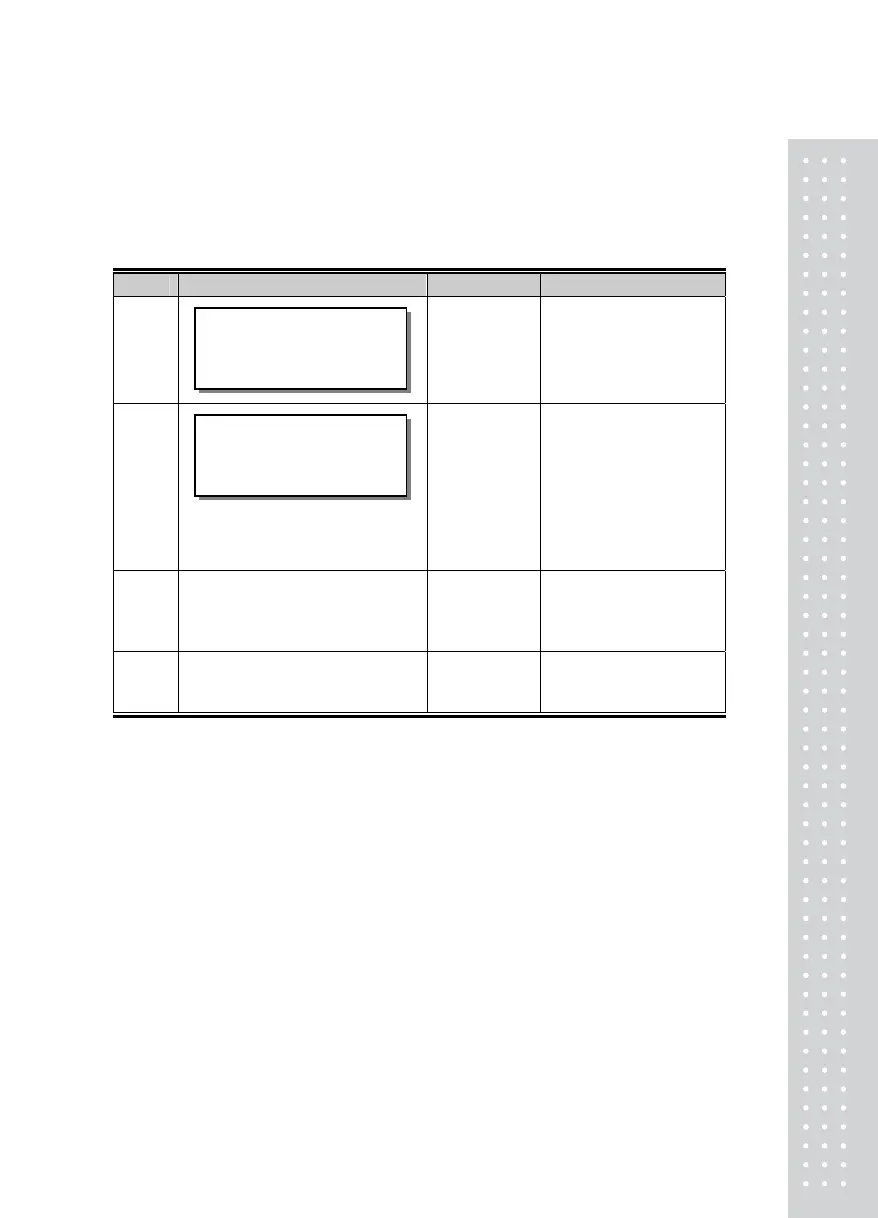
Display & Key On platform Description
Step 1
Displayed current setpoint
number
Step 2
☞ ◀ ▲ ▼
Change the set point value
Step 3
☞ SET
Set point is saved
Step 4
Repeat setp1~3 until end
point of max set point
01.000
SP-1



 To Next Page