6-MAINTENANCE
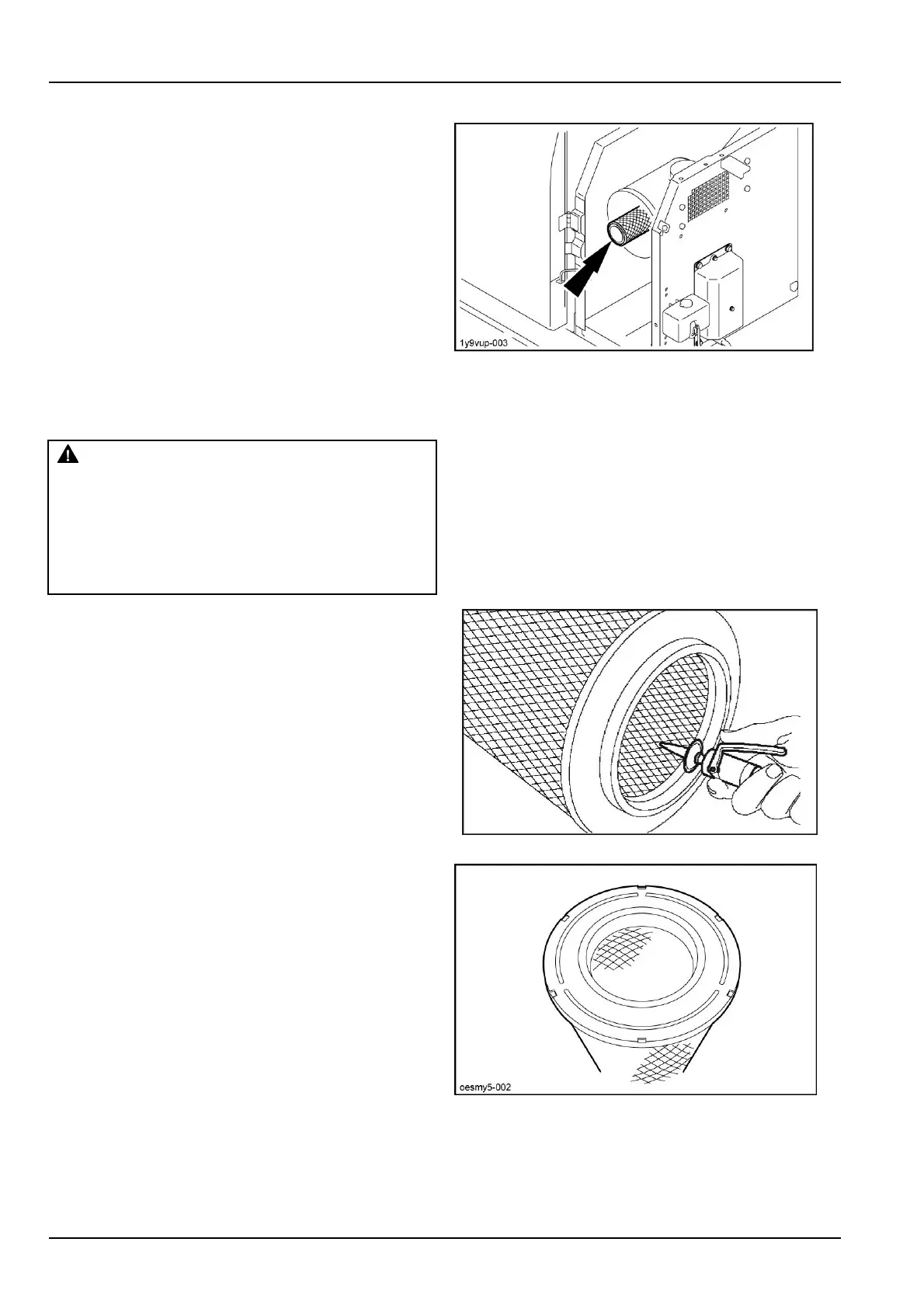
3.Removethesecondaryelementifitneedschanging.
ATTENTION:Thesecondaryelementmustbechanged,
notcleaned.
1Y9VUP-0033
Cleaningtheprimaryelement
WARNING
Flyingdebris!
Compressedaircanpropeldirt,rust,etc.into
theair.Weareyeandfaceprotectionwhen
usingcompressedair.
Failuretocomplycouldresultindeathorse-
riousinjury.
W0307A
Iftheprimaryelementisdry:
Blowcompressedairfromtheinsidetowardstheoutside
atverylowpressure.Thecompressedairnozzleshould
beheldatleast3cmfromtheinsidewalloftheelement.
Cleaningiscompletedoncenomoredustcomesoutof
theprimaryelement.
ATTENTION:Compressedairpressureshouldnotex-
ceed7bar.
ATTENTION:Donotusecompressedairifthereisoilor
sootintheelement.
CT02D120TBP14
Ifthecartridgeisgreasy:
Cleanitinwaterwithasuitabledetergent(consultyour
CASECONSTRUCTIONDealer).Instructionsforusing
thedetergentareprintedonthepackaging.
NOTE:Allowtheelementtodrycompletelybeforein-
stallingit.Itisadvisabletokeepaspare,cleanelement
readyforinstallationontheairlterwhilethecleanedel-
ementisdrying.
OESMY5-0025
6-44



 To Next Page