CEL-712 Microdust Pro Real-time Dust Monitor
42 Casella Measurement
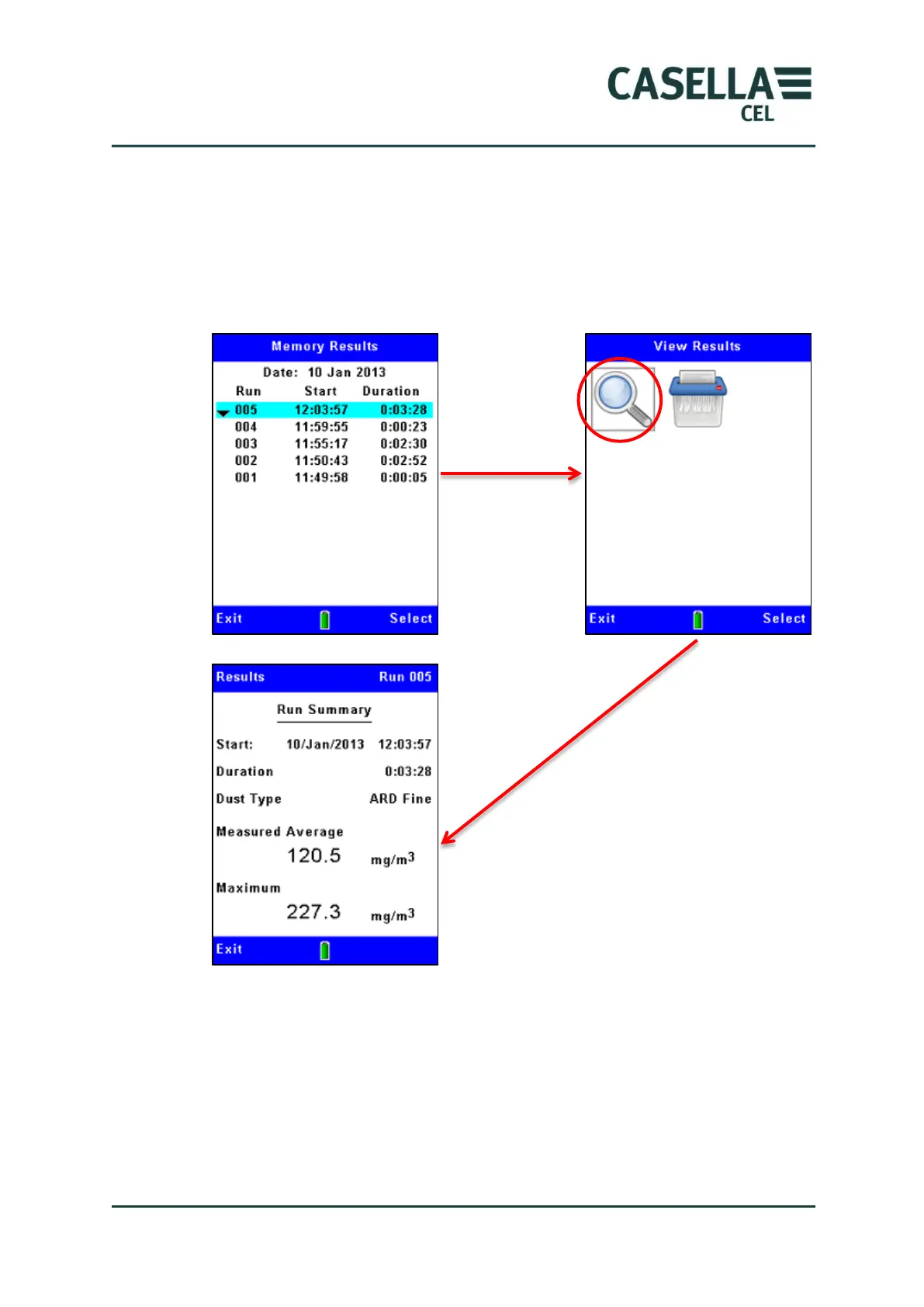
After you have selected a Run in the Memory Results screen, you can follow the
steps shown in Figure 22 to view a summary of that Run. To view a more
detailed analysis of any Run, you must connect the instrument to a PC Running
the Casella Insight Data Management Software and use the facilities made
available in that application.
Figure 22 Viewing details of a stored Run
4.4 Deleting stored Runs
Data logging stops automatically when the internal memory becomes full. For
this reason, it is good practice to delete Runs in the memory to clear space for
new Runs. The steps in Figure 23 explain how to do this.



 To Next Page