CEL-712 Microdust Pro Real-time Dust Monitor
20 Casella Measurement
provides access to RS232 signals on a 9way female D type connector.
Runs will automatically stop at midnight and a new Run will begin.
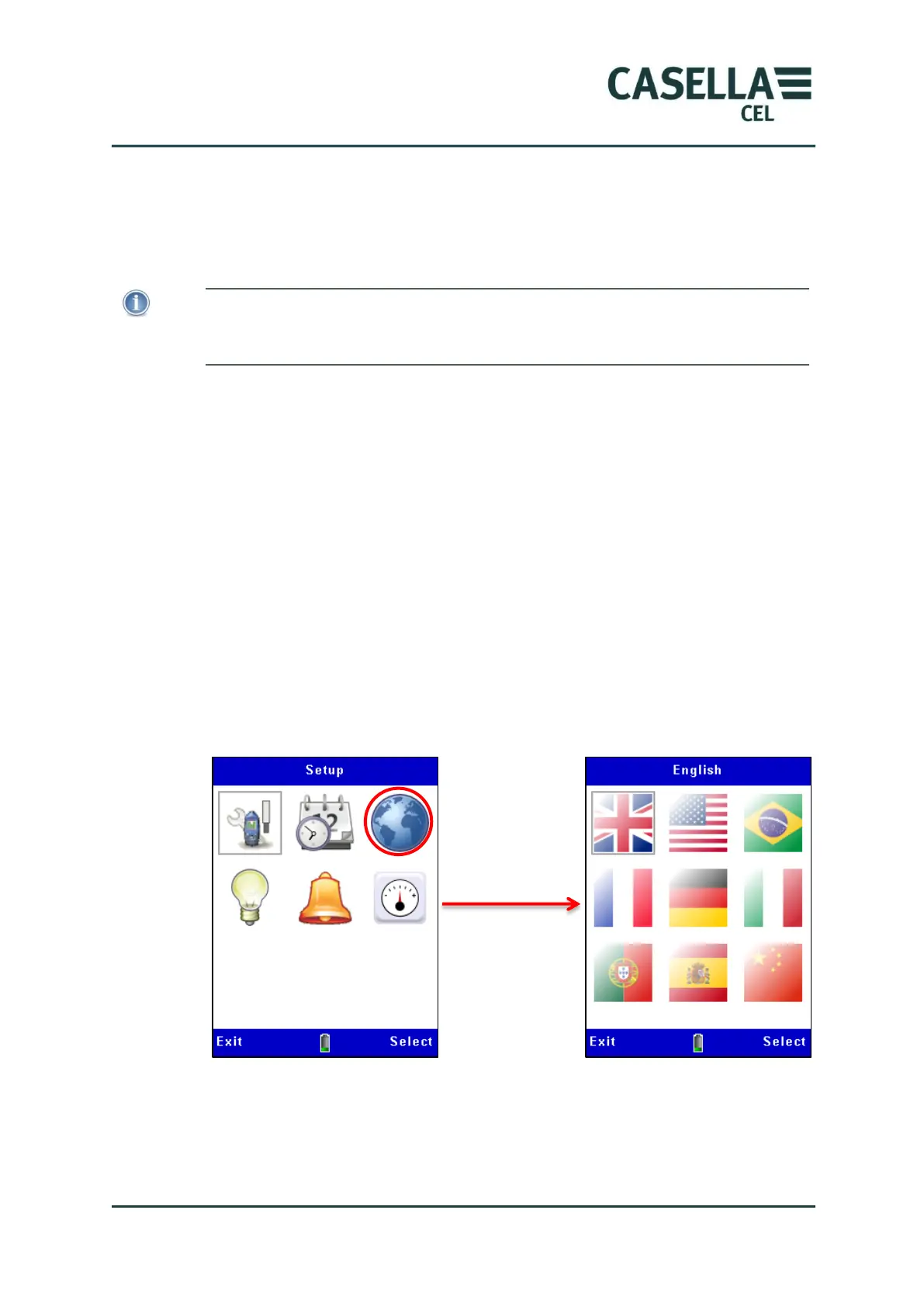
3.6 Set the instrument’s display language
NOTE
Press the Menu soft key from any of the measurement screens while the instrument is
in Stop mode (that is, with red bars at the top and bottom of the screen) to use the
settings screens for the following procedures.
The Microdust Pro instrument can display the screens using any of nine
languages. When you change this setting, the instrument also changes the
format used to display some information, for example the date.
The language options are:
UK English.
US English (when using this, only the date format changes).
Brazilian Portuguese.
French.
German.
Italian.
Spanish.
Chinese.
Figure 7 Setting the display language



 To Next Page