CEL-712 Microdust Pro Real-time Dust Monitor
43 Casella Measurement
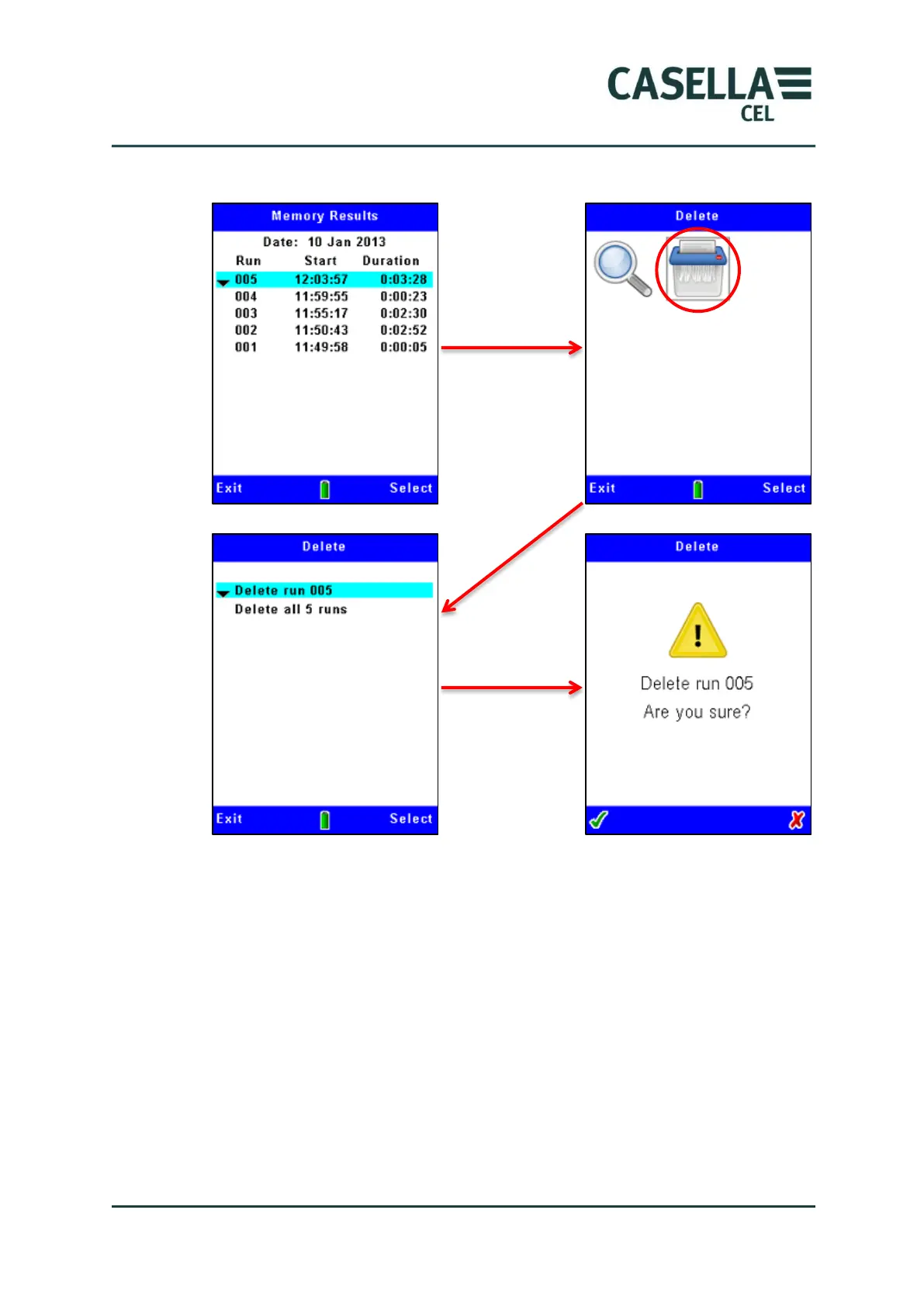
Figure 23 Deleting stored Runs
Note:- when you delete Runs from the instrument’s internal memory you
cannot restore them again! Before deleting data files within the instrument,
always use the Casella Insight Data Management Software application to safely
transfer and save results to the PC.
The Microdust Pro will always seek confirmation to proceed with Run deletion.
5 USB connection
The Microdust Pro instrument has a ‘Mini B’ USB port that allows you to
connect the instrument to a PC Running Windows
®
XP or later.
The PC will show a connected Microdust instrument as a removable drive, and
identifies it by an available drive letter, for example E:



 To Next Page