EN-15
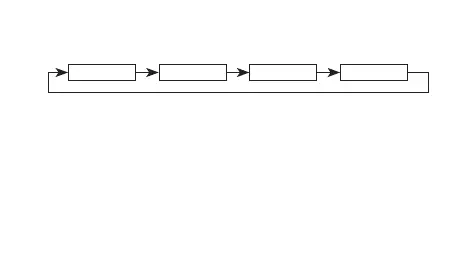
3. Press B to move the flashing in the sequence shown below to select other
settings.
B
Hour Minutes Day
B B
Month
B
4. While a setting is flashing, press C to increase it.
• To set an alarm that does not include a month (Daily alarm, Monthly alarm),
set – for the month. Press C until the – mark appears (between 12 and 1)
while month setting is flashing.
• To set an alarm that does not include a day (Daily alarm, 1-Month alarm), set
– – for the day. Press C until the – – mark appears (between the end of the
month and 1) while the day setting is flashing.
• When setting the alarm time using the 12-hour format, take care to set the
time correctly as a.m. or p.m. (P indicator).
5. Press A to exit the setting screen.



 To Next Page