EN-17
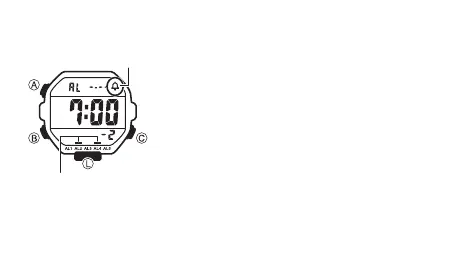
To turn Alarms 2 through 5 and the Hourly Time Signal on and off
1. In the Alarm Mode, use C to select alarm number 2
through 5, or the Hourly Time Signal (:00).
2. Press A to toggle it on and off.
• The on/off status of Alarms 2 through 5 and the Hourly
Time Signal is shown by indicators.
• The alarm on indicators and Hourly time Signal on
indicator are displayed in all modes.
• While an alarm is sounding, the applicable alarm on
indicator flashes on the display.
Alarm on indicator
Hourly time signal
on indicator



 To Next Page