EN-22
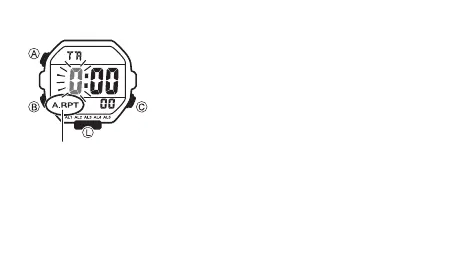
To turn auto-repeat on and off
1. In the Timer Mode, hold down A until the hours setting
of the countdown start time starts to flash, which
indicates the setting screen.
2. Press L to toggle auto-repeat on (A.RPT displayed)
and off (A.RPT not displayed).
• Note that pressing L in the above operation also
turns on the backlight.
• When the end of the countdown is reached while auto-
repeat is on, the alarm sounds, but the countdown
restarts from the beginning without stopping. You
can stop the countdown by pressing C and manually
reset to the start time by pressing
A
.
• The auto-repeat indicator appears in the Timer Mode
only.
Auto-repeat indicator



 To Next Page