EN-20
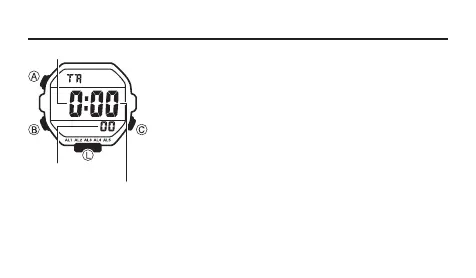
Timer
The countdown timer can be set within a range of one
minute to 24 hours. An alarm sounds when the countdown
reaches zero.
• You can also select auto-repeat, which automatically
restarts the countdown from the original value you set
whenever zero is reached.
• All of the operations in this section are performed
in the Timer Mode, which you enter by pressing B
(page EN-7).
To use the countdown timer
Press C while in the Timer Mode to start the countdown
timer.
• When the end of the countdown is reached and auto-repeat is turned off, the
alarm sounds for 10 seconds or until you stop it by pressing any button. The
countdown time is automatically reset to its starting value after the alarm stops.
Seconds
Hours
Minutes



 To Next Page