— 18 —
1 Perform full reset
2 Peform initial set up
(Refer to 5-2. Initial Setup of page 8)
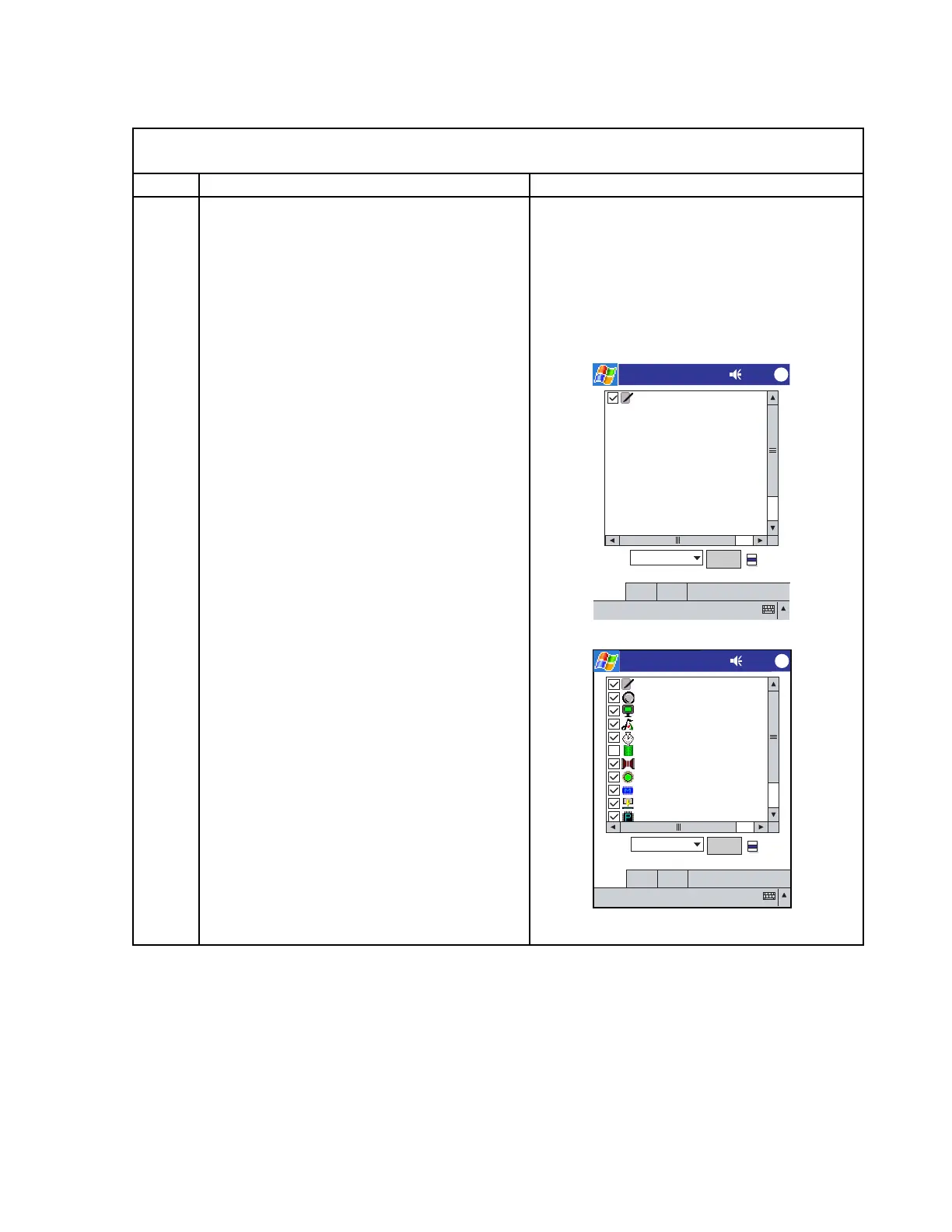
3 The test menu is booted automatically
after the CF card with the diagnostic
program is inserted.
4 Tap "Flow" and select "Component"
5 Tapping "Start" carries out the test items
whose boxes have been checked.
Note: The check box of "Power" and
"Break" test should be blank.
Initial display (welcome) comes up after
full reset
Today Screen (Microsoft mobile) comes
up
PQAP 2:24
ok
TouchPanel
Botton
Display
Audio
RTC
Power
IrDA
LED
Memory
FlashCard
CPU
Flow
Test
Component
Start
PPI
I W
I W
Config About
7-3. How to boot the diagnostic program
< HOW BOOT AND CHECK THE PROGRAM
>
Seq. Operation Display
PQAP 2:24
ok
Flow
Test
Saved Config
Start
PPI
I W
I W
Config About
TouchPanel /I:2 /A /O...














 To Next Page