— 40 —
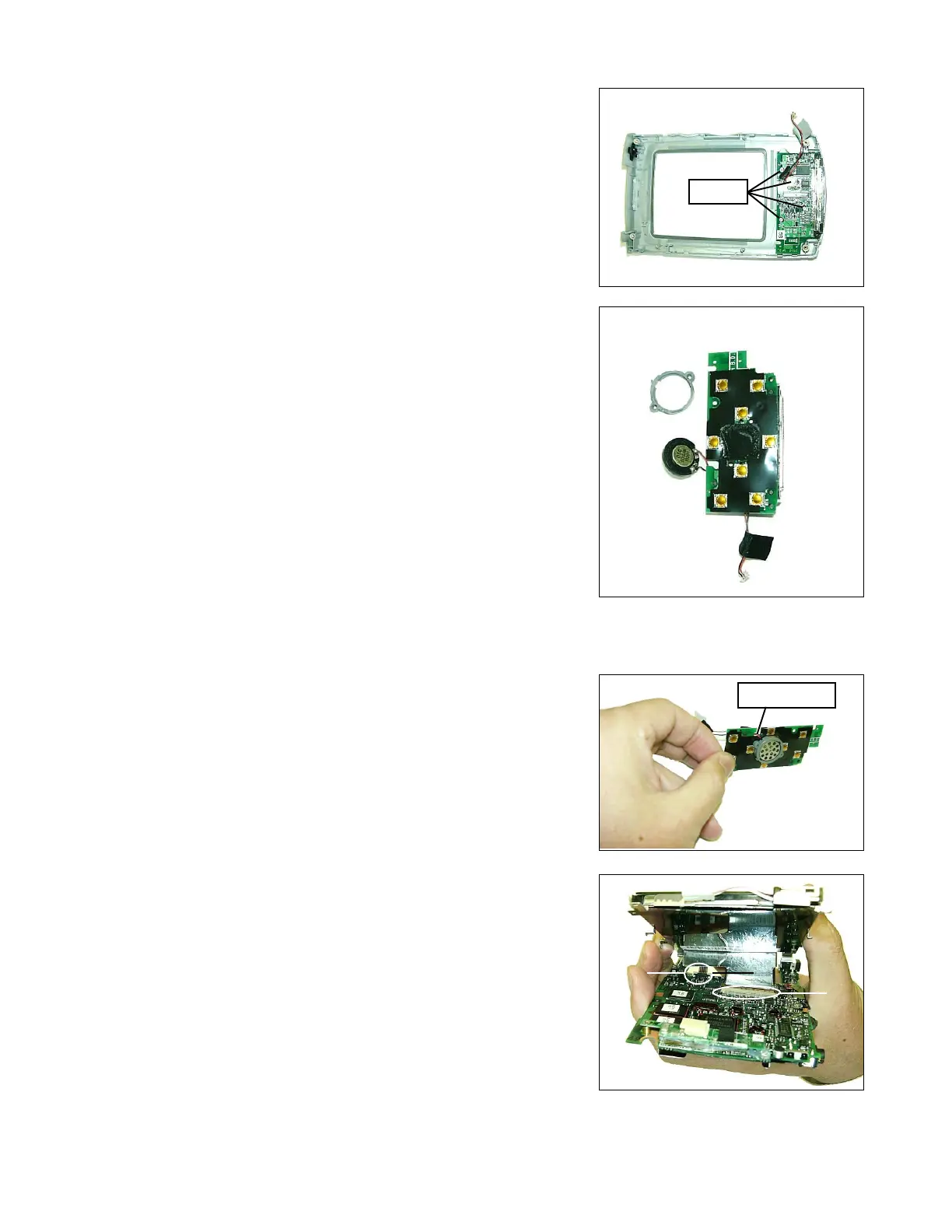
17. Remove 4 screws, and separete the button PCB.
18. Remove Speaker and the cover as shown figure.
12-2. ASSEMBLY
Assembly the unit according to the following procedure.
1. Assemble speaker and the cover, then put them as shown figure.
Be careful the position of speaker wires. Insulation seal on the
button PCB is not included in the button PCB of spare parts.
2. Connect the FPC of LCD and touchpanel tightly in order.
Screws
Screws
Speaker wires
1
2














 To Next Page