— 25 —
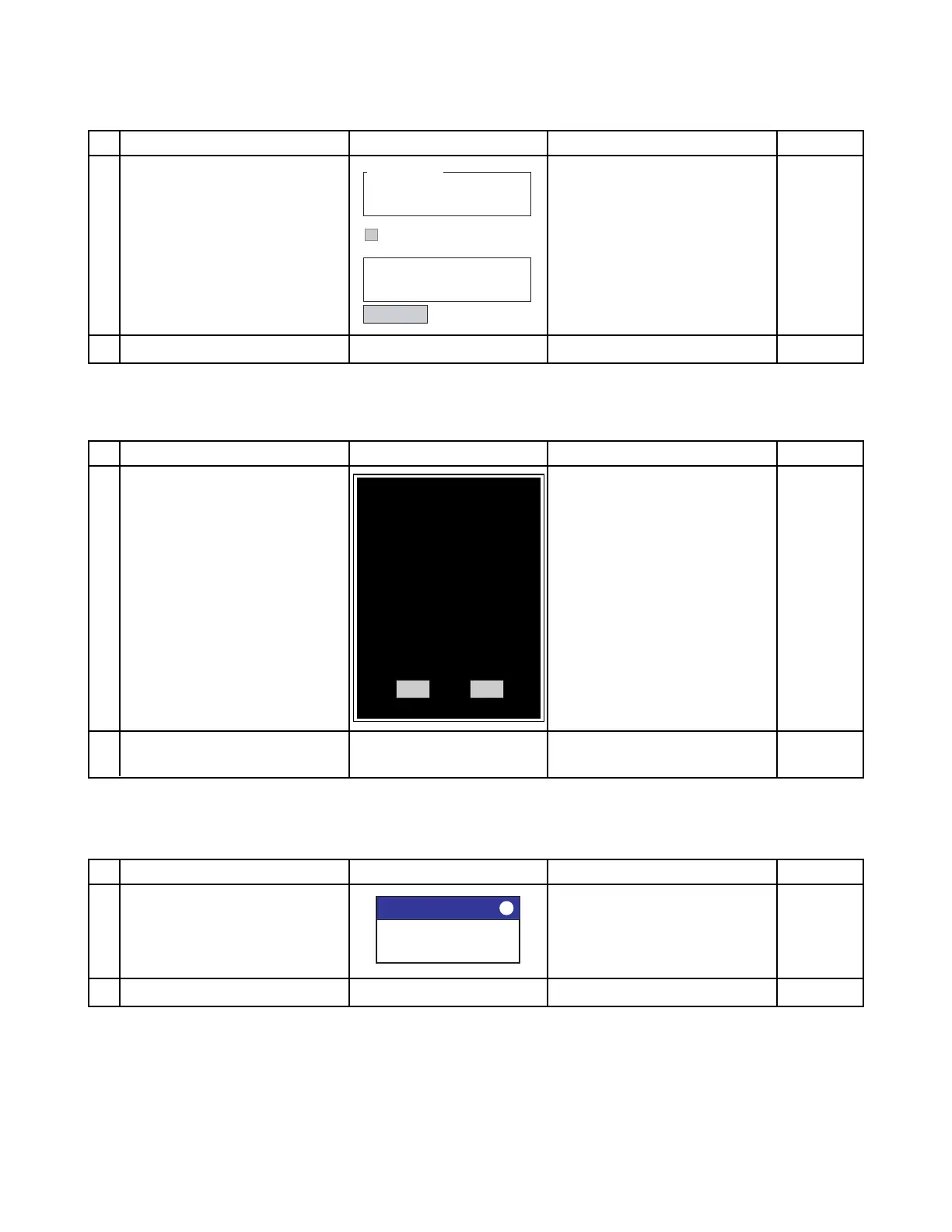
■ OsVer
OS version should be checked.
No.
1
2
Operation
Information on OS version is
indicated.
Tap "Exit."
Display
Version Testing
Exit
Expect Curent
OS version 1087 1070
Checksum 76240 71073
Result : Failed
Messages:
E-Boot version=1.51
Auto exit after checking.
Check If NG
■ Panel Sign
Panel sign shouldbe checked.
No.
1
2
Operation
Confirming frame of panel size
on display.
After confirming the test, tap
"Pass" or "Fail."
Display
Pass Fail
Check
Check it the all frame inside of
display.
If NG
LCD
module
■ PCMCIA
PCMCIA setting should be checked.
No.
1
2
Operation
Set PC jacket with PCMCIA.
After confirming the test, tap "ok."
Display
PCMCIA SETTING
PCNCIA Set to 6.0Mhz !!
ok
Check
Check it the PCMCIA setting is
normal.
If NG
PC
jacket














 To Next Page