EasyManua.ls Logo

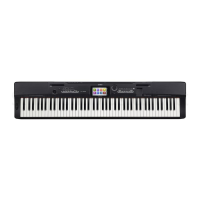
Casio Privia PX-S5000 - Page 70

Casio Privia PX-S5000
72 pages
Print Icon
To Next Page IconTo Next Page
To Previous Page IconTo Previous Page
Loading...
EN-69
Reference
Changing Settings Such as the Tone
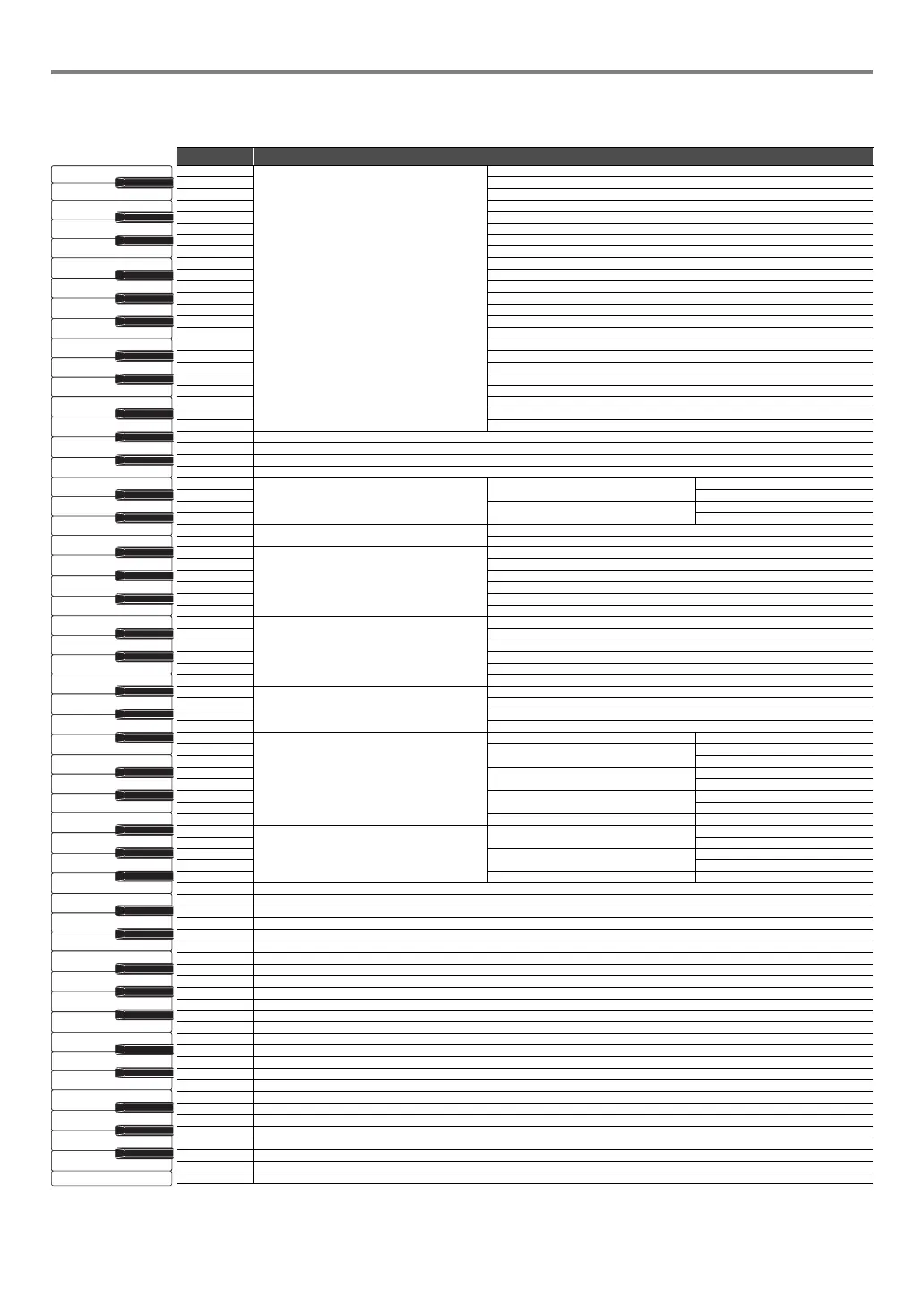
Select a key while holding down the 8 GRAND PIANO.
Note name Assigned function
A0
Tone Selection
GRAND PIANO CONCERT
B}0 GRAND PIANO BRIGHT
B0 GRAND PIANO MELLOW
C1 ROCK PIANO
C{1 JAZZ PIANO
D1 POP PIANO
E}1 MODERN PIANO
E1 DANCE PIANO
F1 HONKY-TONK PIANO
F{1 PIANO PAD
G1 ELEC.PIANO
A}1 DIGITAL E.PIANO 1
A1 DIGITAL E.PIANO 2
B}1 60’S E.PIANO
B1 HARPSICHORD
C2 VIBRAPHONE
C{2 STRINGS 1
D2 STRINGS 2
E}2 PIPE ORGAN
E2 JAZZ ORGAN
F2 ELEC.ORGAN 1
F{2ELEC.ORGAN 2
G2 BASS (LOWER)
A}2
A2
B}2
B2
C3
Upper1 Settings
Upper1 Volume
C{3 +
D3
Upper1 Octave Shift
E}3 +
E3
Transpose
F3 +
F{3
Touch Response
off
G3 Light
A}3 Medium light
A3 Normal
B}3 Medium heavy
B3 Heavy
C4
Hammer Response
Tone
C{4off
D4 Fast
E}4 Moderately Fast
E4 Moderately Slow
F4 Slow
F{4
Key Off Response
Tone
G4 Fast
A}4Normal
A4 Slow
B}4
Layer settings
Layer disable/enable
B4
Upper2 Volume
C5 +
C{5
Upper2 Octave Shift
D5 +
E}5
Upper2 Detune
E5 +
F5 Upper2 Damper disable/enable
F{5
Split settings
Lower Volume
G5 +
A}5
Lower Detune
A5 +
B}5 Lower Damper disable/enable
B5
C6
C{6
D6
E}6
E6
F6
F{6
G6
A}6
A6
B}6
B6
C7
C{7
D7
E}7
E7
F7
F{7
G7
A}7
A7
B}7
B7
C8
A0
C1
C2
C3
C4
C5
C6
C7
C8

Table of Contents

Related product manuals