EasyManua.ls Logo

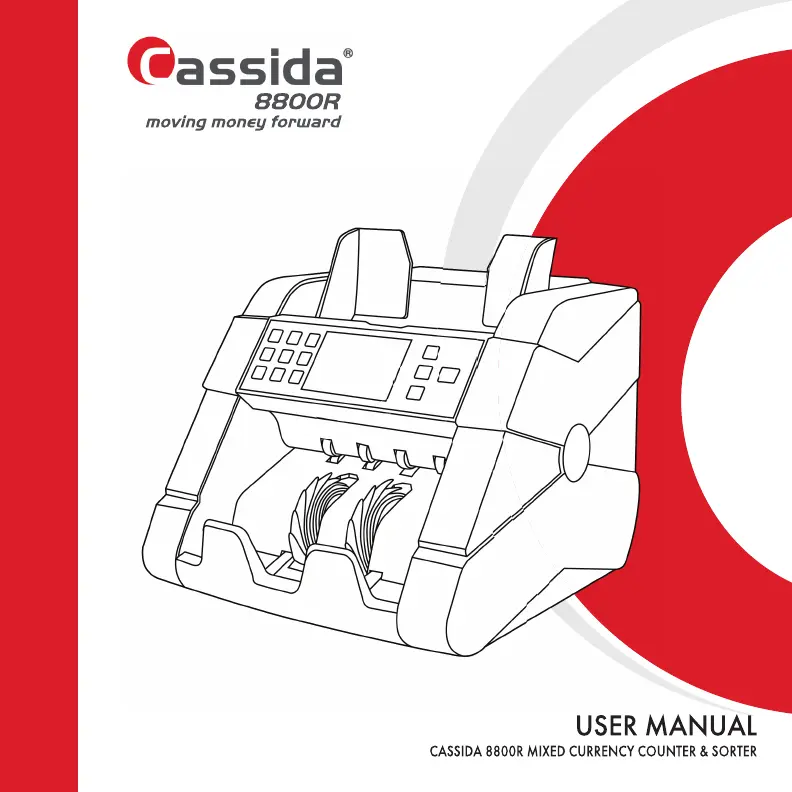
Cassida 8800R - User Manual

Cassida 8800R
34 pages
Print Icon
To Next Page IconTo Next Page
Loading...

Questions and Answers

  • A
    Amber AndersonSep 8, 2025
    What does ENCODER SENSOR error mean on Cassida 8800R?
    • J
      Jason StevensSep 8, 2025
      If your Cassida Cash Counters & Coin Sorters displays 'ENCODER SENSOR' error, restart the machine. Ensure the rollers are turning freely. If the problem persists, contact Cassida technical support.
  • K
    kelly93Sep 12, 2025
    Why won't my Cassida Cash Counters & Coin Sorters turn on?
    • W
      William DavisSep 12, 2025
      If your Cassida Cash Counters & Coin Sorters is not working after being turned on, ensure the power cord is properly connected. Unplug the machine and replace the fuse at the back. If the issue continues, contact Cassida Technical Service Center.
  • D
    Diana JohnsonSep 13, 2025
    What does LOWER LEFT COUNTING SENSOR mean on Cassida Cash Counters & Coin Sorters?
    • J
      johnbrownSep 13, 2025
      If your Cassida Cash Counters & Coin Sorters displays 'LOWER LEFT COUNTING SENSOR' error, clean the sensor.
  • J
    Jamie ReynoldsSep 15, 2025
    What does UPPER LEFT COUNTING SENSOR mean on Cassida Cash Counters & Coin Sorters?
    • S
      Stefanie RivasSep 15, 2025
      If your Cassida Cash Counters & Coin Sorters displays 'UPPER LEFT COUNTING SENSOR' error, clean the sensor.
  • P
    preston51Sep 17, 2025
    What does START SENSOR mean on Cassida 8800R Cash Counters & Coin Sorters?
    • C
      Christopher BakerSep 18, 2025
      If your Cassida Cash Counters & Coin Sorters displays 'START SENSOR' error, clean the sensor.

Summary

Product Safety

General Safety Warnings

Visual warnings for choking hazards, electrical shock, improper disposal, and moving parts.

Important Safety Precautions

Detailed safety guidelines covering operational environment, handling, cleaning, and servicing.

Getting Started

Powering Up the Unit

Instructions for connecting the power cable and initiating the machine's startup sequence.

Loading the Hopper

Guidance on correctly placing bills into the hopper for optimal feeding.

Operating Modes and Functions

Auto & Manual Mode

How to switch between automatic and manual start for bill counting operations.

Detection Features

Counterfeit Detection

Utilizes UV, MG, IR, and CIS sensors to identify suspected counterfeit bills.

Maintenance and Troubleshooting

Routine Maintenance

Procedures for cleaning sensors, rollers, and general upkeep for optimal performance.

Feed Gap Adjustment

How to adjust the feed gap to resolve common counting errors like double or jammed bills.

Calibration Procedure

Steps for recalibrating the unit's sensors using a calibration card.

Troubleshooting Errors

A guide to common error messages and their corresponding solutions.

Warranty and Support

Technical Support

Contact information and required details for seeking technical assistance.

Cassida 8800R Specifications

General IconGeneral
Stacker Capacity200 bills
DisplayLCD
BatchingYes
Add FunctionYes
Power Consumption60W
Power Supply50/60Hz
Currency DetectionUV, MG, IR
Available currenciesUSD
ConnectivityUSB

Related product manuals