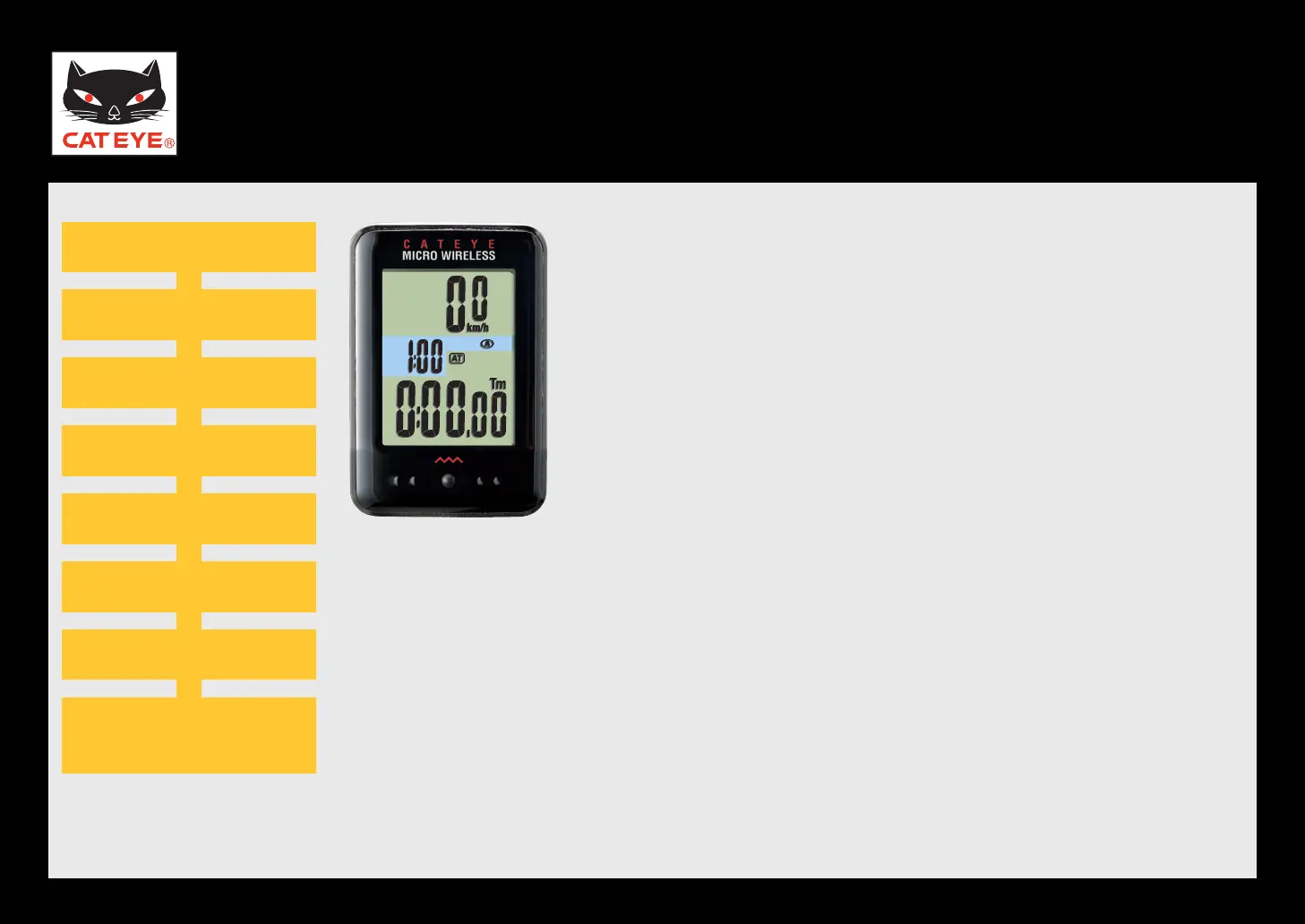
CATEYE MICRO Wireless
Quick Start Manual
Setting up the computer
Setting the speed unit
Entering the tire circumference
Setting the clock display
Selecting AM or PM
Measuring screen
(Setup completed)
Clear all data (initialization)
Setting the hour
Setting the minute
Measuring screen
(Setup completed)
Setting the minute
Setting the hour
Setting the AM/PM display
Setting the clock display
Entering the tire circumference
Setting the speed unit
Clear all data (initialization)
Now, setup of the computer is completed.
If the bracket and speed sensor are not installed on your
bicycle, return to Contents, click the movies of how to
install the bracket and speed sensor, and install them ac-
cording to the instructions.
Measuring screen













 To Next Page