CATEYE MICRO Wireless
Quick Start Manual
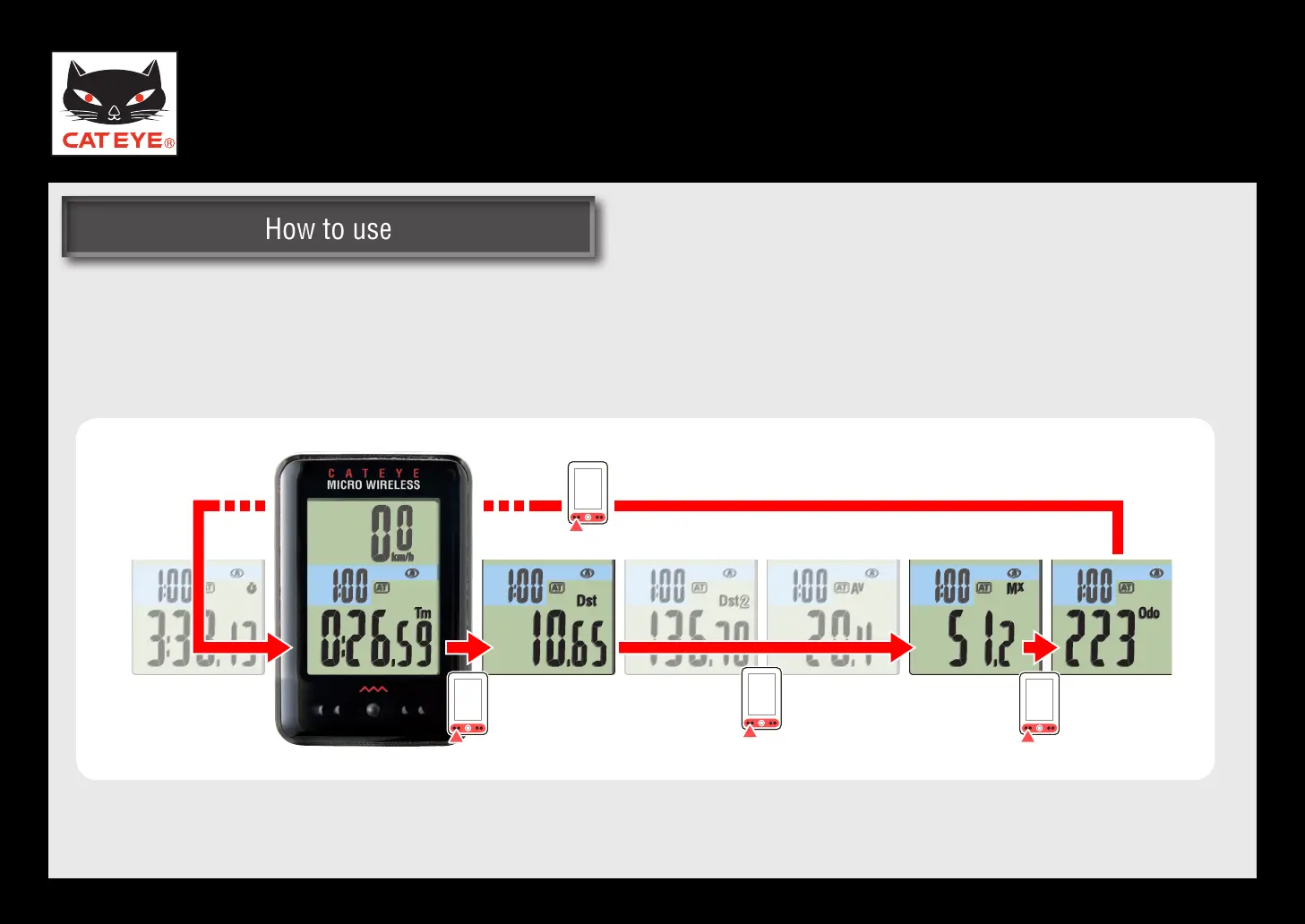
Setting the function to display
Setting the function to display
You can switch the screen quickly, by skipping the data less frequently used.
The skipped data is not displayed, but it is measured internally.
*
When the trip distance 2, average speed,
and stopwatch are skipped
Return to Various functions













 To Next Page