CATEYE MICRO Wireless
Quick Start Manual
Upper display selection
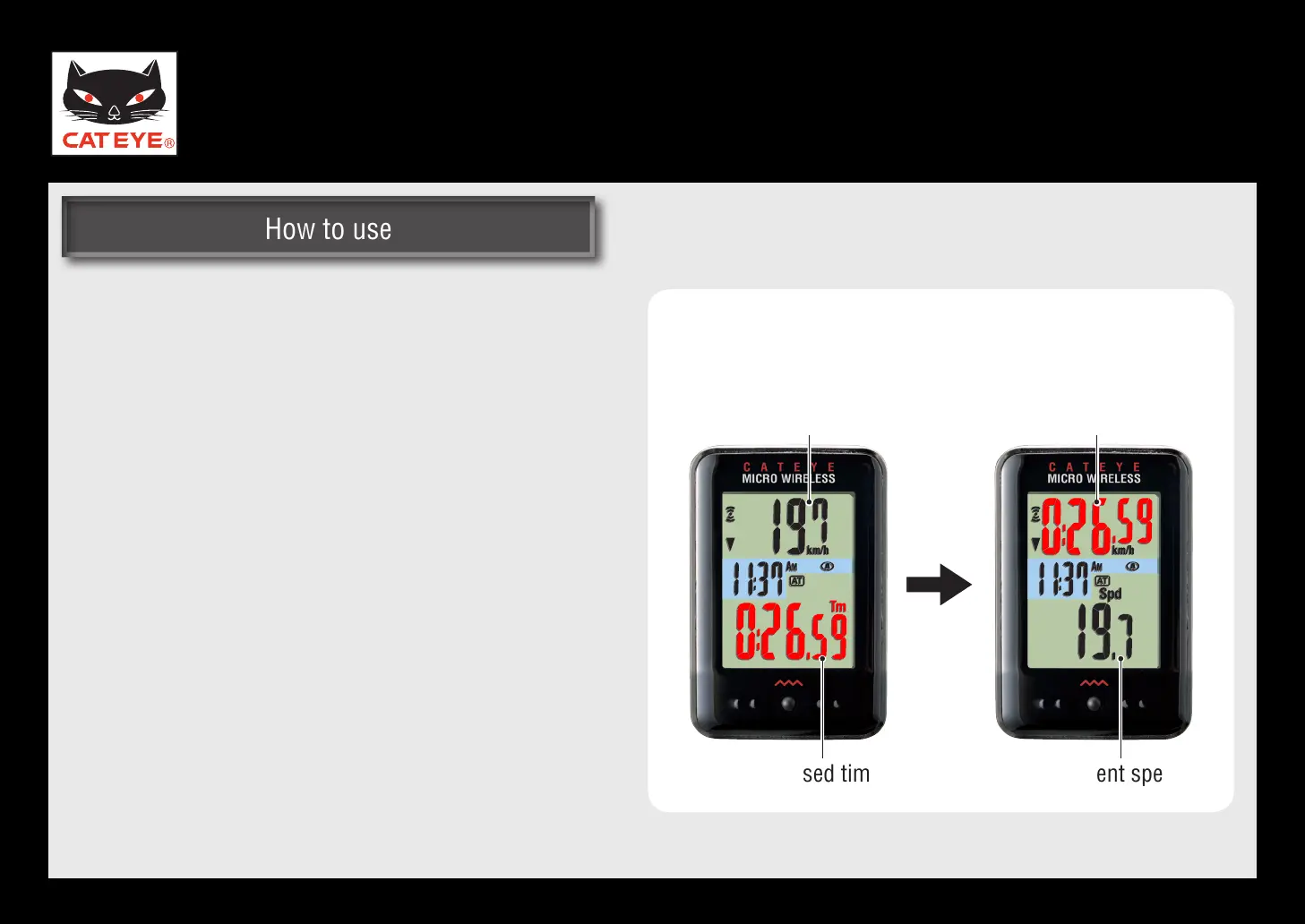
Setting the upper display
Any data can be selected to be displayed on top
constantly.
Once you change the upper display, the current
*
speed (Spd) shows up at the bottom among
other data.
Elapsed timeCurrent speed
When the elapsed time (Tm) is
displayed in the upper display
Current speedElapsed time
Return to Various functions













 To Next Page