CATEYE MICRO Wireless
Quick Start Manual
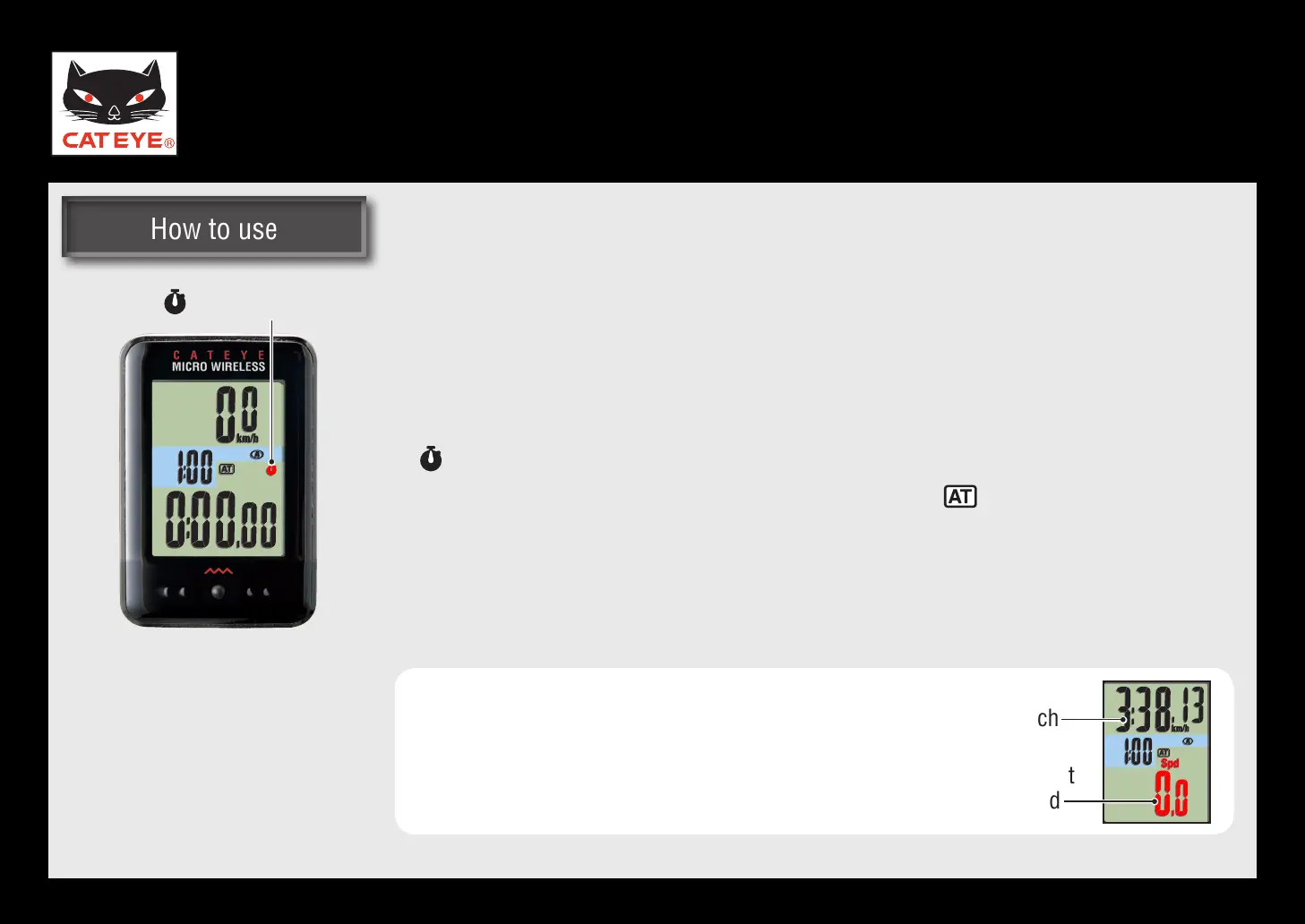
Stop watch
You can use the stopwatch independently of measurement.
Starting/Stopping the stopwatch
Pressing the SSE button together with the MODE button starts and stops
counting.
* flashes during count.
To use the stopwatch, turn on the auto mode (
* ON).
See the instruction manual to set the auto mode.
Resetting the stopwatch
With the stopwatch displayed, press and hold the SSE button together
with the MODE button.
When the stopwatch is displayed in the upper
*
display, display the current speed (Spd) in the
bottom row, and perform the reset operation.
Stop watch
Stop
watch
Current
speed
Return to Various functions













 To Next Page