CATEYE MICRO Wireless
Quick Start Manual
Backlight (Night mode)
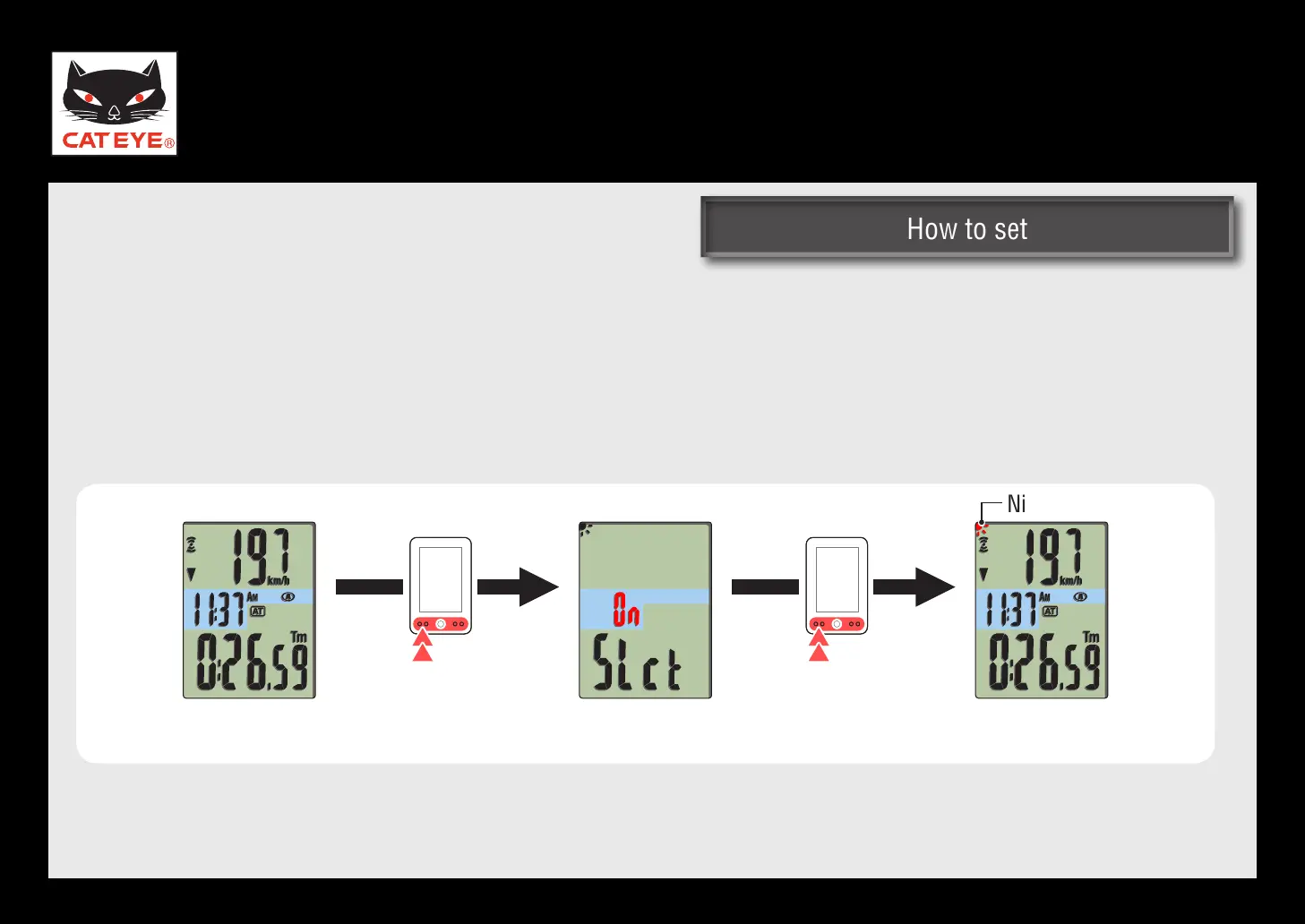
How to set the night mode
From the measuring screen, pressing and holding the MODE button repeatedly 2 times turns on the
night mode.
You can set ON/OFF of the night mode also from the Menu screen. *
For details, see the instruction manual.
Measuring screen Measuring screenSetting the night
mode screen
(Press and hold)
(Press and hold)
Night mode ON
Return to Various functions













 To Next Page