Operation of buttons
The computer is operated by the following button operations.
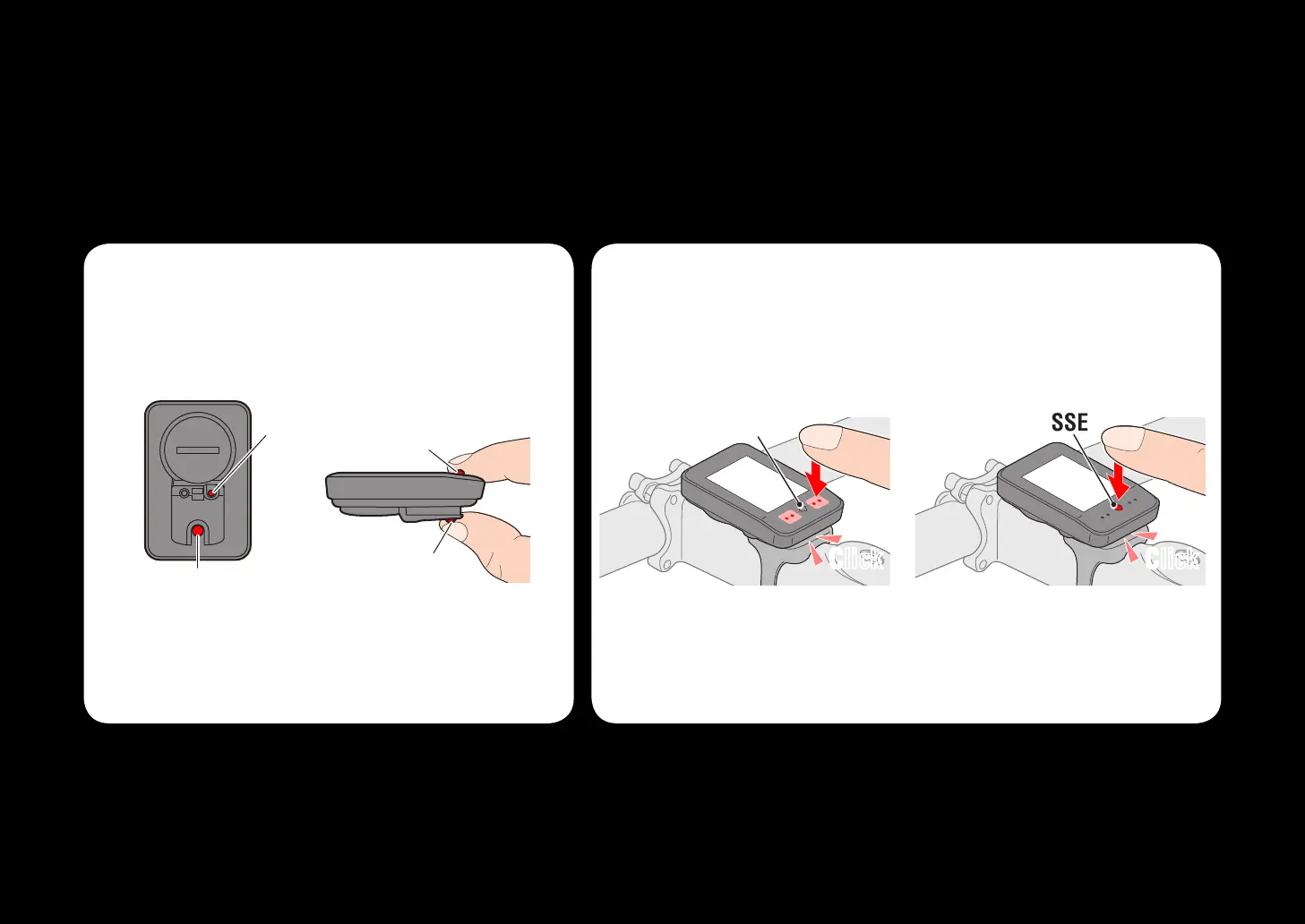
When removed from the bracket
When installed on the bracket
Press the MENU
button or MODE
button on the back
of the computer.
Press the SSE button on
the computer face, and
the MODE button on the
back simultaneously.
Press the dot section on the
front of the computer, with-
out touching the SSE button.
Press the SSE button togeth-
er with the computer body.
Operating the
MODE button
Operating the SSE and
MODE buttons
The SSE and MODE
buttons operation
The MODE or MENU
button operation
SSE SSE














 To Next Page