12
4. Select the installation location and click Install to
begin installation of the driver software.
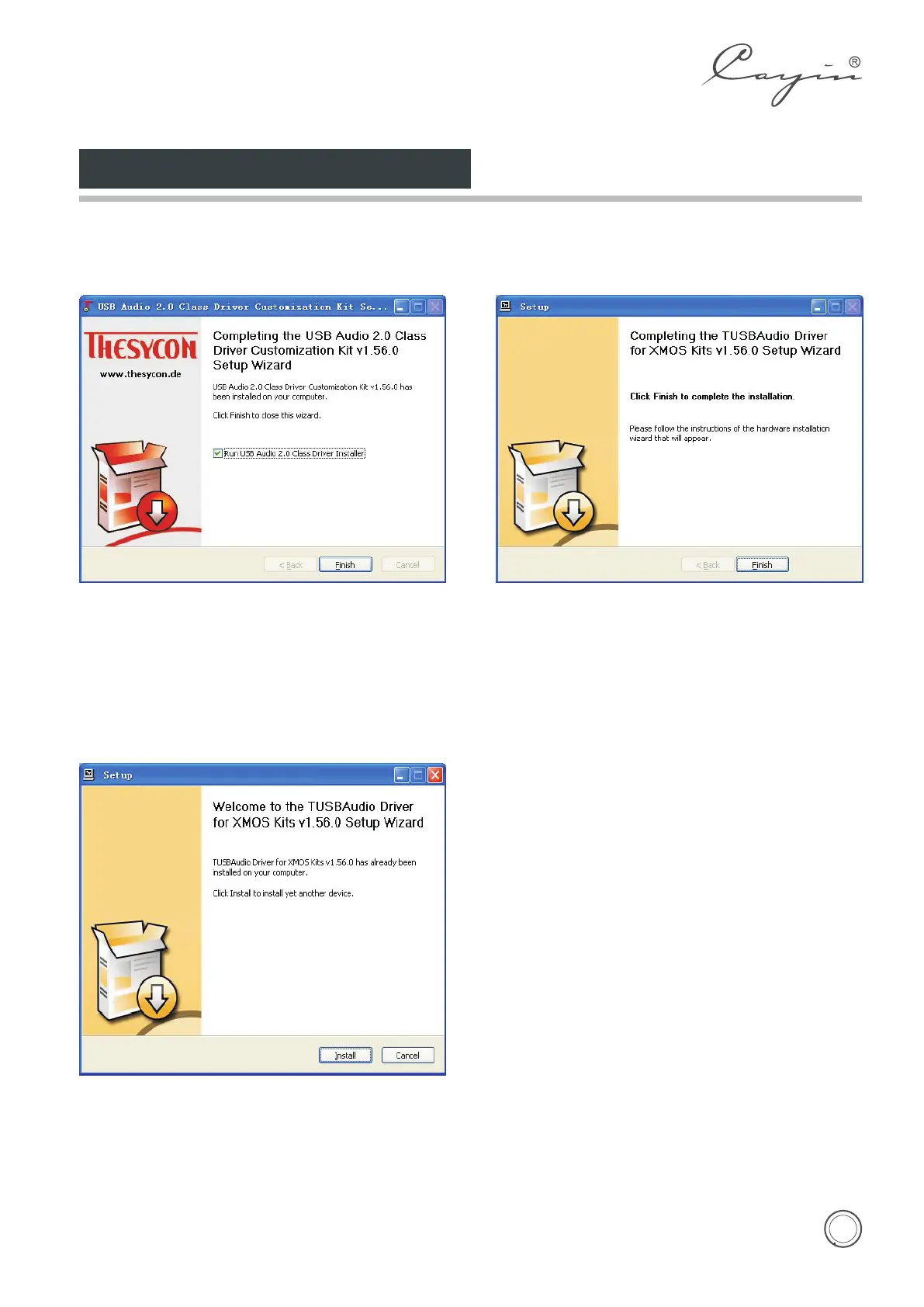
5. Click Finish to finish installation of the driver
software and install USB Audio Class 2.0 driver
software.
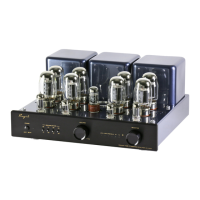
6. Click Install to begin installation of USB Audio
Class 2.0 driver software.
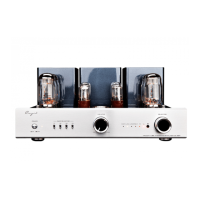
7. Click Finish to finish installation of USB Audio
Class 2.0 driver software.
8. In Media player please choose Cayin USB DAC
as the output instrument and then you can
music by USB DAC of the CS-55A amplifier.
Note: No need to install the driver software for Mac
System.
Installation of Driver Software


 To Next Page