Tachograph programmer CD400 - User manual – V2.00 r07 (9/01/2014) index
4 Functions description
4.1. Measure W
4.1.1. Manual
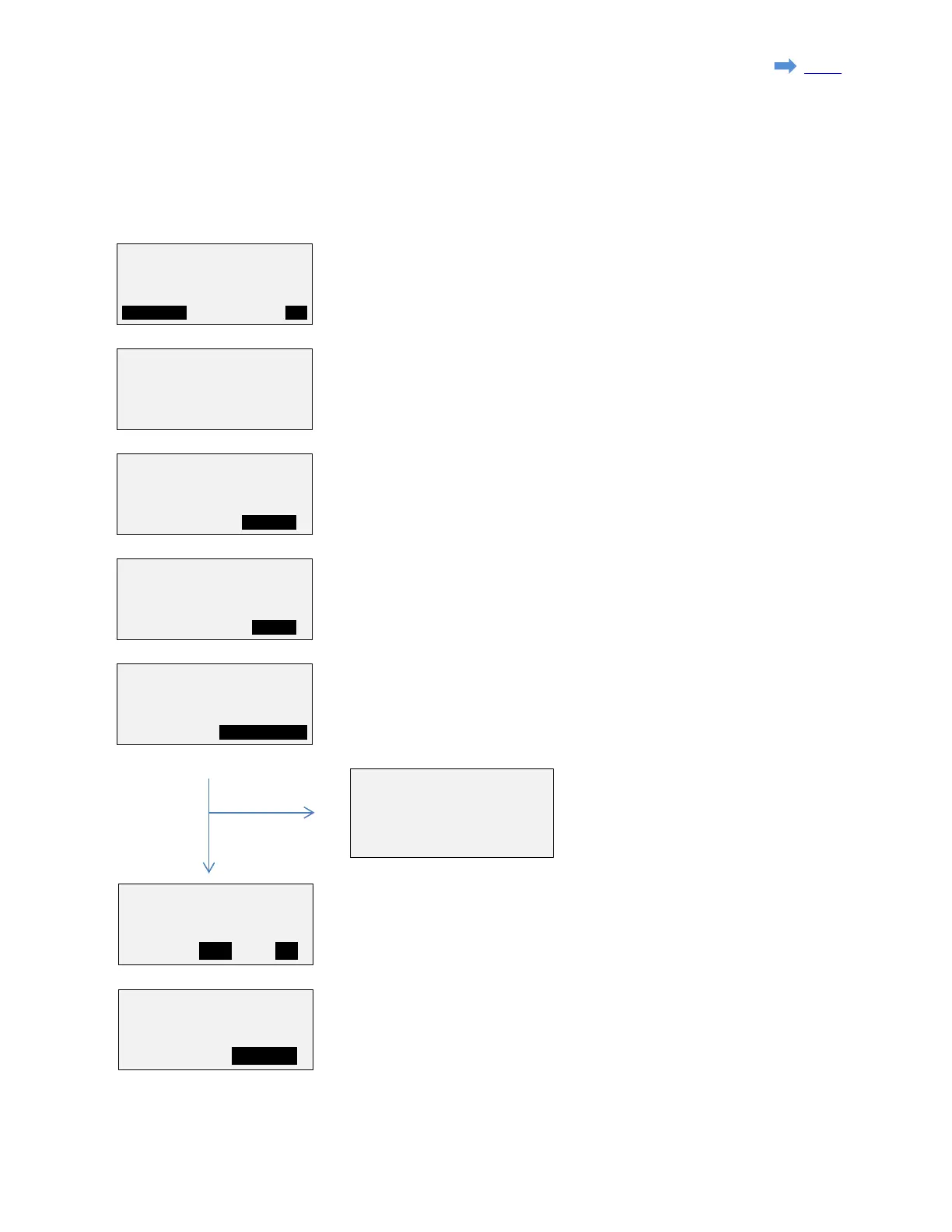
1. Check the track length.
Press F3 (OK) to go on, or press F1(MODIFY) to change the track length.
to set the 'Track length', enter the new value and press 'Ent'.
2. Press F3 (START) and drive the vehicule along the track.
The pulse count will start.
3. At the end of the track, press F3 (STOP).
The W factor will be calculated as a function of the pulse count and the
track length.
4. Press F3 (K FACTOR) to access K factor setting.
5. The closest value from the K factor
table of the 1318 is displayed with
the corresponding switches
positions.
Press 'Esc' to go back to main menu.
5. Present K factor will be read from the tachograph and displayed.
'NEW K' is the W factor that has been measured and should be recorded
as the new K factor.
Press F2 (YES) to record it or F3 (NO) to leave it unchanged.
6. If 'YES' has been selected previously, the new K factor will be read
back from the tachograph.
This factor can modified manually if required pressing F3 (MODIFY).
0020m
6150.0
K = 05347p/km
W=
p/km
K TABLE:06147p/km
NEW K: 05347p/km
RECORD NEW K ?
tachographs
Page 14 sur 23


 To Next Page