Tachograph programmer CD400 - User manual – V2.00 r07 (9/01/2014) index
4.4.2 Automatic
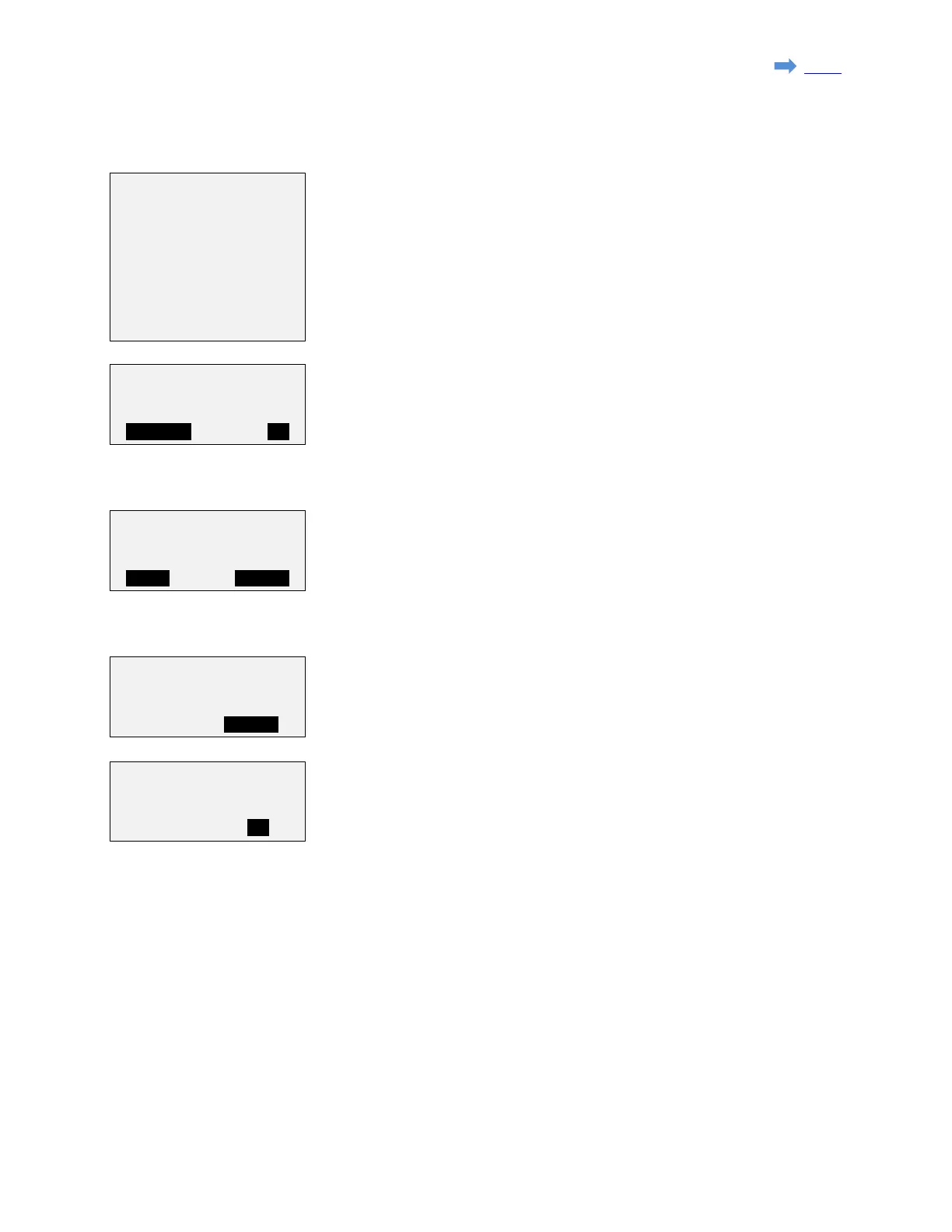
Select the speed diagram to be executed and press 'Ent'.
For the K1314/1318 the K reference is set to the last K measured if available,
otherwize it is set to 8000.
For the other tachographs the K reference is set to the K factor programmed in
the tachograph.
If required, the K reference can be adjusted manually pressing 'F1' (MODIFY).
Press 'F3' (OK) if you agree with the K factor value.
Using the '↑' and '↓' keys, you can check the speed and duration of each step of
the automatic test.
Press 'F3' (START) to start the test.
The 'EDIT' funtion (F1) is available only for the custom diagram to edit the speed
and duration of current step of the automatic test. The automatic test will end at
the first step at which the duration is set to zero.
A count down will show the time left for present step.
Press 'F3' (STOP) to stop the bench test
Press 'F3' (OK) to go back to the menu.
→1.Custom diag.
2.Tacho. 100km/h
3.Tacho. 125km/h
4.Tacho. 140km/h
5.Tacho. 160km/h
Kref= 08000 p/km
Step:01/23
180 km/h - 010s
Bench test
Compleleted
Step:01/23 - 007s
180 km/h - 010s
Page 18 sur 23


 To Next Page